5 questions why video conferencing room designs often fail
Reading time: 4 minutes
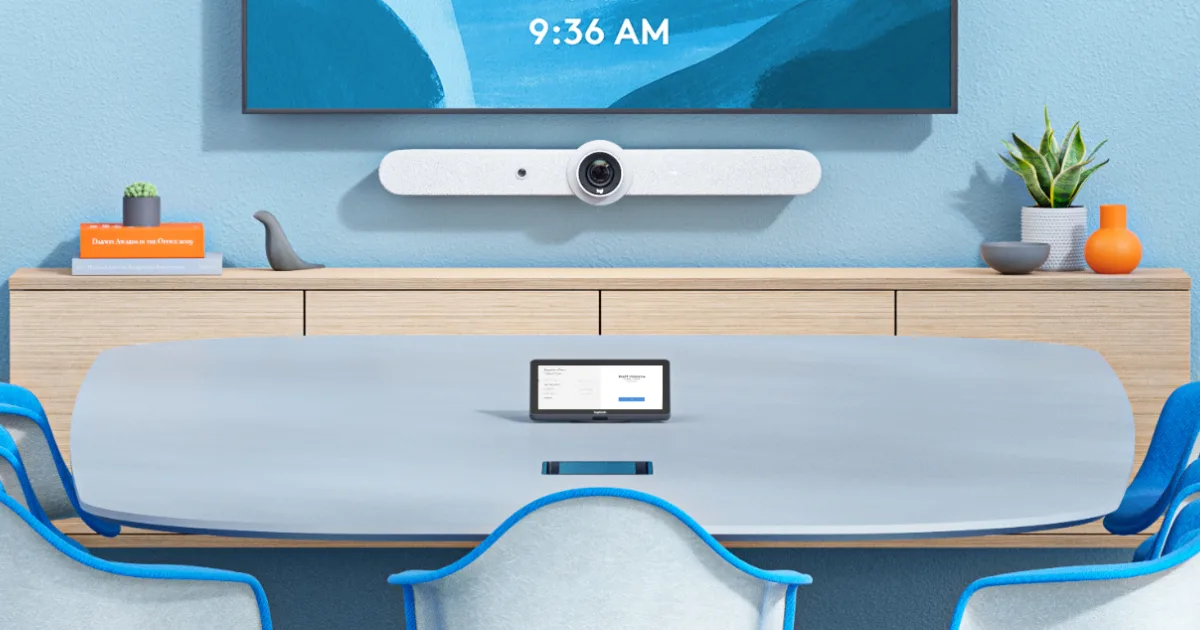
Reliability of meeting rooms is not determined only by the quality of screens or cameras, but above all by how well the technology is installed within the given space.
Most common issues:
- Consumer-grade TVs and low-quality cables
- Poor room acoustics
- Improper IT network configuration (Wi-Fi), causing video calls to drop
- Poorly timed updates
- Employees are not properly trained
Solution: A comprehensive engineering approach and AV service covering acoustic measurements, network preparation (VLAN), and remote management of AV technologies.
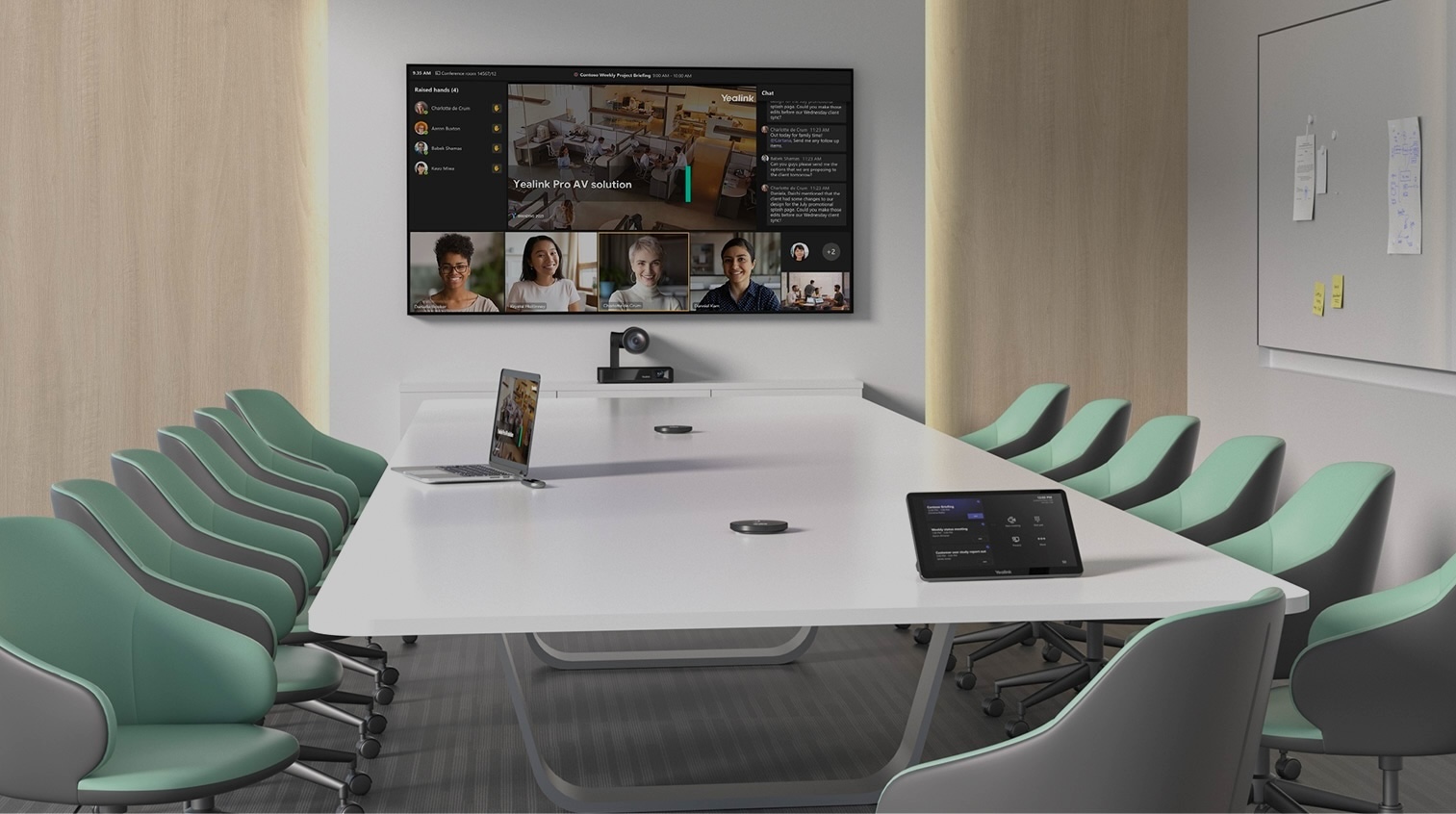
When setting up video conferencing spaces, companies often focus almost their entire budget and attention on purchasing screens, microphones, or cameras based on technical specifications. However, from practical experience and installations in B2B environments, we know that even the highest-quality setup can fail due to seemingly minor environmental details.
For stable deployment and minimizing errors, it is crucial to view the meeting room as a complete ecosystem. We have compiled the 5 most common practical questions and issues that cause corporate meeting rooms to become unreliable, along with the proven approach our AV engineers use to eliminate them early.
Why does meeting room equipment sometimes freeze and show screen burn-in?
The most common trigger of failures is replacing professional AV solutions with consumer electronics and trying to piece technologies together without proper design.
What we encounter:
In a meeting room with an expensive table, a standard 4K camera is installed and connected via a random HDMI cable to a typical home “Smart TV.” In the middle of a meeting, the TV requests a system update. Due to an improperly used cable, the image freezes, and over time, a static interface element starts to burn into the display.
Impact:
Just the forced replacement of a burned-in 85-inch consumer TV without a commercial warranty represents an unplanned budget loss of €1,500 to €3,000 every two to three years.
Solution for reliable hardware:
- Professional displays instead of consumer TVs: Professional displays feature a matte, anti-reflective coating to reduce glare from sunlight and are designed for continuous commercial operation (16/7 or even 24/7).
- Optical cabling infrastructure and floor boxes: Cable clutter on the table is addressed in advance by designing concealed floor boxes before the flooring is installed. For longer in-wall runs, only optical connections or HDBaseT extenders should be used, ensuring a stable signal with virtually zero risk of image dropouts.

Why isn’t sound crystal clear in a new glass-walled meeting room?
Fully glazed rooms look fantastic in architectural designs, but the physical properties of these modern materials interfere with clear sound transmission.
What we encounter:
Sound aggressively reflects off smooth glass walls back into the microphone, completely degrading speech intelligibility. With a standard rectangular table, participants can block each other’s view of the camera, and backlighting from sunlight turns clients into dark silhouettes.
Solution for comfortable ergonomics and sound:
- Optimal table shape: We recommend trapezoid-shaped corporate tables (in a “V” layout), which allow participants to sit at an angle without blocking each other’s line of sight in front of the camera.
- Acoustic absorbers: Proper acoustic solutions reduce reverberation time (RT60) to standards set for spoken word by installing designer acoustic panels.
- Automated blinds: Integrating the AV processor smartly connects the room. When a video call starts, the system automatically lowers window blinds and adjusts artificial backlighting.
Professional AV equipment operates by transmitting large volumes of data over the computer network.
What causes video calls to stutter despite fast corporate fiber?
Professional AV equipment transmits massive amounts of data over the computer network (using AV-over-IP standards).
What we encounter:
The remote party’s audio occasionally “pops,” or the video completely freezes. The room may have a fast internet connection, but it’s running exclusively over corporate Wi-Fi.
Impact:
Interrupted connections during meetings with partners undermine professionalism. The inability to establish a connection due to blocked security ports can render a €50,000 meeting room completely unusable at a critical moment.
Solution for lag-free network traffic:
To ensure your network supports flawless video calls, it must meet these three conditions:
- Cabled connection instead of Wi-Fi: A stable LAN connection eliminates signal fluctuations through walls.
- Dedicated data flow (VLAN and QoS): Morning server backups must not interfere with meetings. Configuring Quality of Service (QoS) rules within a virtual LAN (VLAN) gives video calls the highest data traffic priority.
- Open firewall ports: Professional installation involves close collaboration with the IT department to open critical ports for video transmission.
What technical mistakes in a company cause your meetings to routinely start 15 minutes late?
Major delays aren’t caused solely by hardware issues—they often occur when users launch calls from their own devices (BYOD) or after unmonitored overnight updates.
What we encounter:
Before every meeting, managers search under the table for the right connector for their laptop (USB-C vs. USB-A) to get the camera and audio working. After an overnight Microsoft cloud update, the touch control panel on the table may freeze completely, failing to load the company calendar.
Impact:
A 15-minute delay for four senior managers with an hourly rate of €100 averages €100 wasted per meeting. With five meetings per day, the company loses significant operational capital just looking for cables.
Solution for reliable meetings:
- Meeting room “One-Touch” control: Switch from personal, glitchy BYOD laptops to native dedicated platforms (Microsoft Teams Room / Zoom Room). Meetings start with a single touch on the control panel—no cable connections required.
- Professional room licensing: Standard employee licenses (e.g., Office E3) are not sufficient for conference room installations. Dedicated licenses ensure stable operation.
- Proactive remote monitoring (SLA – NOC): A remote service center protects the company from weekend “update failures.” If a global upgrade disables a device at 3 a.m., the team detects and resolves it by 8 a.m. without any intervention from the client.
Where does management go wrong when a new €50,000 meeting room sits empty?
Even the best AV system is only as effective as employees’ willingness and ability to meaningfully use its features.
What we encounter:
A top-tier system is installed, but users aren’t confident how to make a call to an external vendor without technical support. A luxurious 15-seat boardroom ends up being occupied year-round by just two people for 1-on-1 calls.
Impact:
Employee fear of using expensive equipment nullifies the entire investment. The company overpays for dozens of unused square meters of commercial space in the form of underutilized meeting room capacity.
Solution for capacity management and user satisfaction:
- Critical training plan: Every installation must include hands-on employee training and a permanent, one-step visual guide on the table for quick, stress-free operation.
- Workplace analytics: Instead of relying on guesses, occupancy sensors allow Facility Management to see at a glance when a large room is being used by only two people. A better, more cost-effective solution could be acoustic phone booths (huddle rooms).
- Systematic AV engineering: Equipping a meeting room with modern AV solutions is a structured engineering process. Combining acoustics, IT security, user ergonomics, and stable hardware ensures peace of mind and productivity for management and teams for years without additional unnecessary costs.