Automatic AV Control Systems: How to Simplify Operation
Reading time: 9 minutes

Quick Summary
- Is the staff unable to manage the technology, or was the AV design unable to support the staff?
- Why control fails even when the technology works
- The scenario principle: one button instead of twenty
- Three layers of automation
- How to recognize a well-designed interface
- Frequently asked questions
A receptionist in a hotel stands in front of a touch panel in a conference room that needs to be prepared for a client. A lecturer in an auditorium has five minutes before the lecture starts and cannot turn on the microphone. A waiter in a restaurant is asked by the manager to lower the music in the zone near the window. They all stand in front of the AV system controls and do the same thing: hesitate and hope they press the right combination.
When they fail, their next decision is almost always the same. They would rather avoid the technology. They call a colleague who “knows how it works”, bring their own laptop, or tell the manager that the music cannot be controlled from the back office. The touch panel becomes a system that the venue does not actually use.
This article shows that the problem can be solved. Not by training the staff, but by designing the interface for the people who will use it every day.
Is the staff unable to manage the technology, or was the AV design unable to support the staff?
When the control of an AV system fails in daily operation, the owner’s first reaction is understandable: “We need to train them better.” And yes, sometimes the training is insufficient. But when the same situation keeps repeating, the problem is no longer the people. It is the interface, which was not designed for them.
The inability to operate an AV system in a venue is usually not a staff training problem, but the result of an interface designed for an AV technician instead of the end user.
This distinction matters because it points to a different type of investment. Staff training, which has to be repeated every time people change, is a permanent operating cost. Changing the interface is a one-time adjustment that removes the problem systemically. And in venues with high staff turnover — gastronomy, hospitality, cultural spaces — the second option usually pays for itself quickly.
Why control fails even when the technology works
When reviewing existing AV systems, we keep seeing the same three interface design mistakes. Each of them reliably creates a situation in which staff do not understand the technology, even though the technology itself works flawlessly.
Too many choices at once.
A touch panel with thirty icons, four tabs and six sliders is like an aircraft cockpit. A user who needs the interface once a week will not remember everything, even if it has been explained. The first time, they hesitate. The second time, they ask a colleague. By the third time, they would rather avoid the technology altogether.
Logic designed for a technician, not for the venue.
The interface shows labels such as “Source 1”, “HDMI 2”, “DSP Preset”, “Aux Out”.
For an AV engineer, these are clear labels for signal paths. For a waiter or receptionist, they are a puzzle.
No preset scenarios.
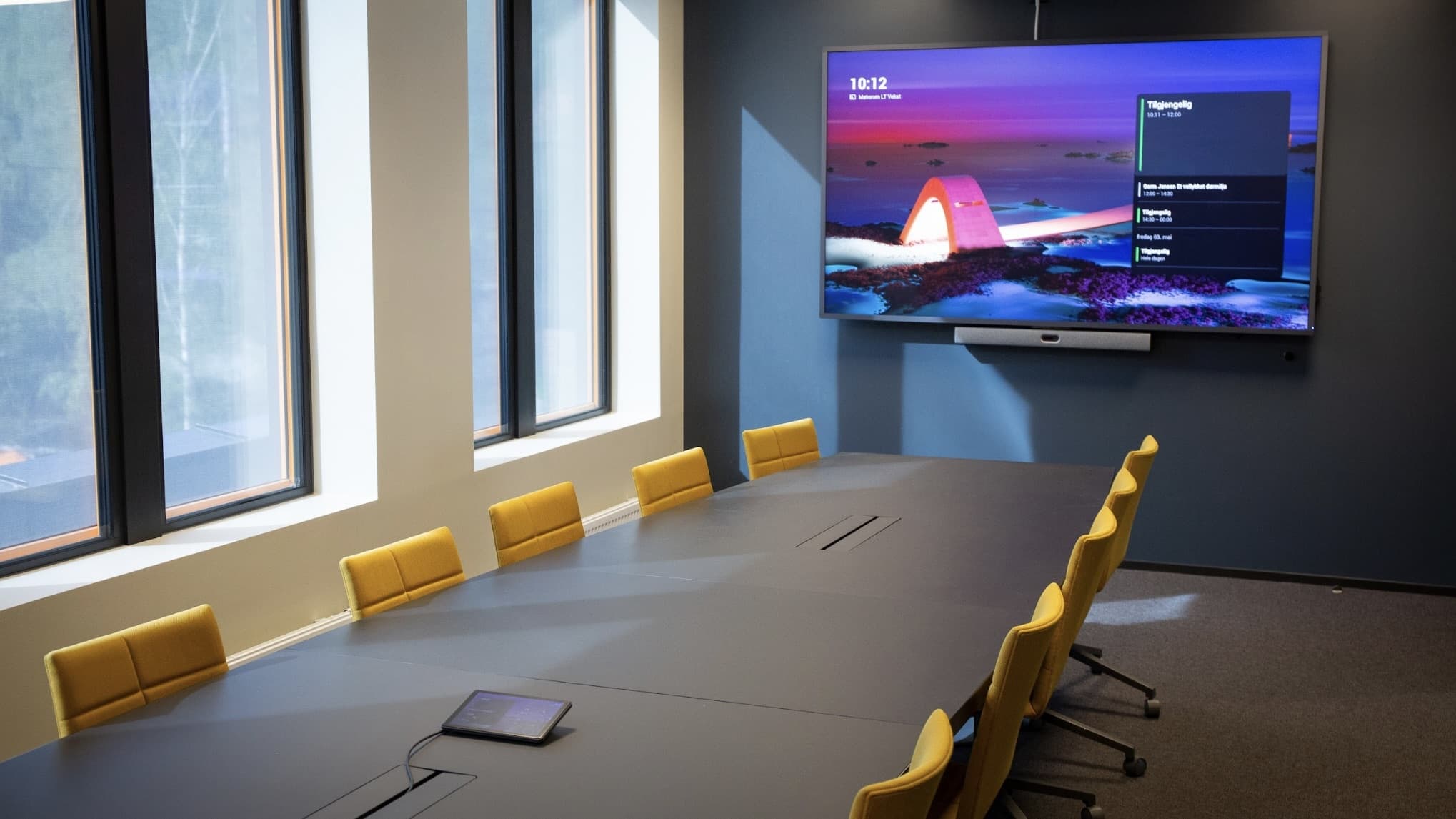
Starting a hybrid lecture in a poorly designed interface means carrying out five steps in the correct order. Turn on the projector, switch it to the correct input, activate the microphones, open the video call, set the sound system. If the user skips one step or does them in the wrong order, something will not work — and they will not know what. In a well-designed interface, the system does all of this by itself. The user presses one button labelled “Hybrid Lecture”, and all five actions are carried out automatically and in the correct order.
The scenario principle: one button instead of twenty
Instead of an interface that offers every possible option, preset scenarios are created for situations that actually occur in the space. Staff choose from a maximum of three to five buttons named according to their work.
In a university lecture hall, scenarios may look like this:
- Lecture
- Hybrid Lecture
- Seminar
- Conference
- Switch Off
In a hotel conference room:
- Corporate Meeting
- Presentation
- Video Call
- Reception
- Switch Off
In a restaurant with multi-zone sound:
- Breakfast
- Lunch
- Dinner
- Private Event
- Closed
The principle is the same in all three cases. The button does not name a technical function, but an operational situation. Staff press what is currently happening, and the system wakes up into the correct configuration by itself.
This is not a simplification that limits the system’s capabilities. Full control remains available to whoever needs it, typically the AV technician during calibration or configuration changes.
For the daily user, however, it is hidden behind one additional step, for example behind a PIN code or under an “Advanced” tab. The main screen seen by the receptionist or waiter contains only what they actually need to press.
The result is twofold. Staff start using the system properly because they know how to work with it. And the error rate drops dramatically because twenty possible mistakes become one: pressing the wrong button out of four. Even that mistake is easy to correct, because the next button is right next to it.
Three layers of automation
Scenarios are the first layer. There are two more layers that simplify control even further and are becoming standard in modern venues.
- Automatic status detection.
The system can recognize what is happening in the space and adjust its configuration accordingly without anyone pressing anything.
In a university lecture hall, it detects whether the speaker has connected a laptop or started a video conferencing platform, and switches the input accordingly.
In a hotel, it detects whether someone is present in the conference room, and if not, switches off the sound system and projection by itself. In a restaurant, it switches the music zone when the lunch menu opens, based on the time schedule.
This is not a replacement for staff, but an addition to scenarios wherever automation makes sense. Staff can still intervene; automatic detection simply handles routines that nobody wanted to control manually anyway.
- Calendar integration.
This is a more specific form of automation for spaces with scheduled operation. A lecture scheduled in Outlook or in a booking system activates the scenario in the relevant hall at the right time. Five minutes before the start, the system wakes up, the projector warms up and the microphones switch on. After the event ends, everything switches off. Staff can still cancel, move or adjust the reservation manually, but if they do nothing, the system handles everything according to the calendar.
In a university environment, this means the lecturer enters the hall and everything is already prepared. In a hotel, it means the receptionist does not have to run to the room before every event to start the technology. They only check that everything is as it should be.
- Remote control for IT.
The third layer does not solve control itself, but what happens when staff really get stuck. A central platform, typically Crestron XiO Cloud, Q-SYS Reflect or Biamp SageVue, allows the IT department or AV manager to see the status of every room from one place. When something does not work in hall no. 3, the administrator connects remotely, checks what is happening and either solves the problem or tells the staff exactly what to press.
Without this layer, every fault means a site visit, which means additional costs. With it, most problems are resolved within minutes without anyone having to go to the room. For a venue with dozens of rooms, this is the difference between whether the AV manager has a full-time job or a half-time one.

How to recognize a well-designed interface
A well-designed control interface has three characteristics. These are practical signals that can be verified during an inspection of an existing system or while reviewing a proposal from a supplier.
A maximum of five options on the main screen. The main screen is what the user sees when the panel wakes up. If there are more than five buttons, the interface was not designed for a non-technical user. Full control can exist, but it should be hidden behind another step, not be the first thing staff see.
Words from the language of the venue, not from the language of technology. A well-designed button is labelled “Lecture”, “Breakfast”, “Video Call”. A poorly designed button is labelled “Source HDMI 2 + DSP Preset 3” or “Layout A”. If you see technical labels on the interface, you know who it was designed for.
Testing by an operational employee. The simplest diagnosis is done like this: ask someone from your venue who does not know the AV system to start a specific situation. “Prepare the room for a corporate presentation.” If they can do it alone, without your help, the interface is well designed. If they call you for advice after half a minute, you know where the problem is.
How to recognize a well-designed interface
A well-designed control interface has three characteristics. These are practical signals that can be verified during an inspection of an existing system or while reviewing a proposal from a supplier.
A maximum of five options on the main screen. The main screen is what the user sees when the panel wakes up. If there are more than five buttons, the interface was not designed for a non-technical user. Full control can exist, but it should be hidden behind another step, not be the first thing staff see.
Words from the language of the venue, not from the language of technology. A well-designed button is labelled “Lecture”, “Breakfast”, “Video Call”. A poorly designed button is labelled “Source HDMI 2 + DSP Preset 3” or “Layout A”. If you see technical labels on the interface, you know who it was designed for.
Testing by an operational employee. The simplest diagnosis is done like this: ask someone from your venue who does not know the AV system to start a specific situation. “Prepare the room for a corporate presentation.” If they can do it alone, without your help, the interface is well designed. If they call you for advice after half a minute, you know where the problem is.
Frequently Asked Questions
Can an existing interface be modified, or does the whole system need to be replaced?
In most cases, it can be modified. If the AV system is built on a control platform that supports scenarios, such as Crestron, Q-SYS, Biamp Tesira and similar systems, reprogramming the interface is a standalone project that does not require replacing the technology. The software configuration changes, while the hardware remains in place. In older systems without a programmable control layer, it may be necessary to add a control unit, but even that is an upgrade, not a complete replacement.
How much does scenario reprogramming cost?
It depends on the complexity of the system and the number of rooms. For a single meeting room, it is a standalone project that takes several days of a programmer’s work. For a university with twenty lecture halls or a hotel with multi-zone operation, it is a larger project, but usually still significantly cheaper than repeated staff training over several years. A specific estimate is based on an audit of the existing system.
Who sets up the scenarios and who can define what a scenario should do?
Technically, scenarios are programmed by an AV programmer, typically a Crestron Master Programmer, Q-SYS Designer or a programmer for a specific platform. In terms of content, however, they are defined by the venue operator — the space manager who knows what situations actually occur in the room and what the technology should do in each of them.
What about staff turnover? Will every new employee need to be trained?
With a well-designed interface, training a new employee takes only minutes. The receptionist receives the instruction: “When a company arrives for training, press Corporate Meeting. When a wedding arrives, press Private Event.” This is easy to remember after the first explanation. This is precisely the main benefit of scenarios for operations with high staff turnover.
Can a scenario be adjusted in real time if the situation requires something different?
Yes. Scenarios are not fixed. They are preset configurations that can be adjusted. If, after pressing “Lecture”, you need to change the volume in the hall, it can be adjusted. If the same adjustment repeats regularly, it can be added as a new scenario. The system gradually evolves with the venue according to what the operation actually needs.
When the control of AV technology fails in a venue and training does not solve the problem, the solution lies in the interface. Unlike training, which has to be repeated with every staff change, changing the interface removes the problem systemically and permanently.
If you operate a space where AV technology is not being used as it was designed to be used, and you are looking for a way to change that, an AAVS audit will assess the existing interface, identify bottlenecks and propose specific improvements — from scenario reprogramming to adding automatic detection or remote management.
MediaTech Central Europe, a.s. +421 220 999 700 | mediatech@mediatech.sk