How to design a video conferencing room for 10 people?
Reading time: 5 minutes
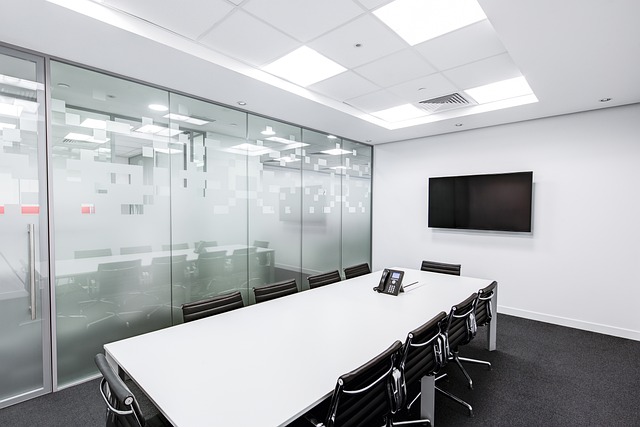
A videoconferencing room for 10 people is a space where key decisions are made. However, if the technical design fails to account for acoustics or ergonomics, participants often end up struggling with the technology instead of focusing on the agenda.
This article summarizes the technical essentials—parameters that help create a functional environment for teamwork. Specific dimensions, recommended values, and principles that determine whether the room will be truly useful or merely exist.
If you are still considering which type of room you need, start with our overview of meeting room types.
Overview of key parameters
| Parameter | Recommended value for 10 people |
|---|---|
| Minimum area | 20–25 m² |
| Screen size (diagonal) | Min. 75″ (ideally 86″ or dual setup) |
| Microphone range | 4–5 m (add external mics for longer tables) |
| Reverberation time (RT60) | 0.4–0.6 seconds |
| Table type | Boat-shaped or oval |
| Lighting | Even, 4000 K, no backlighting |
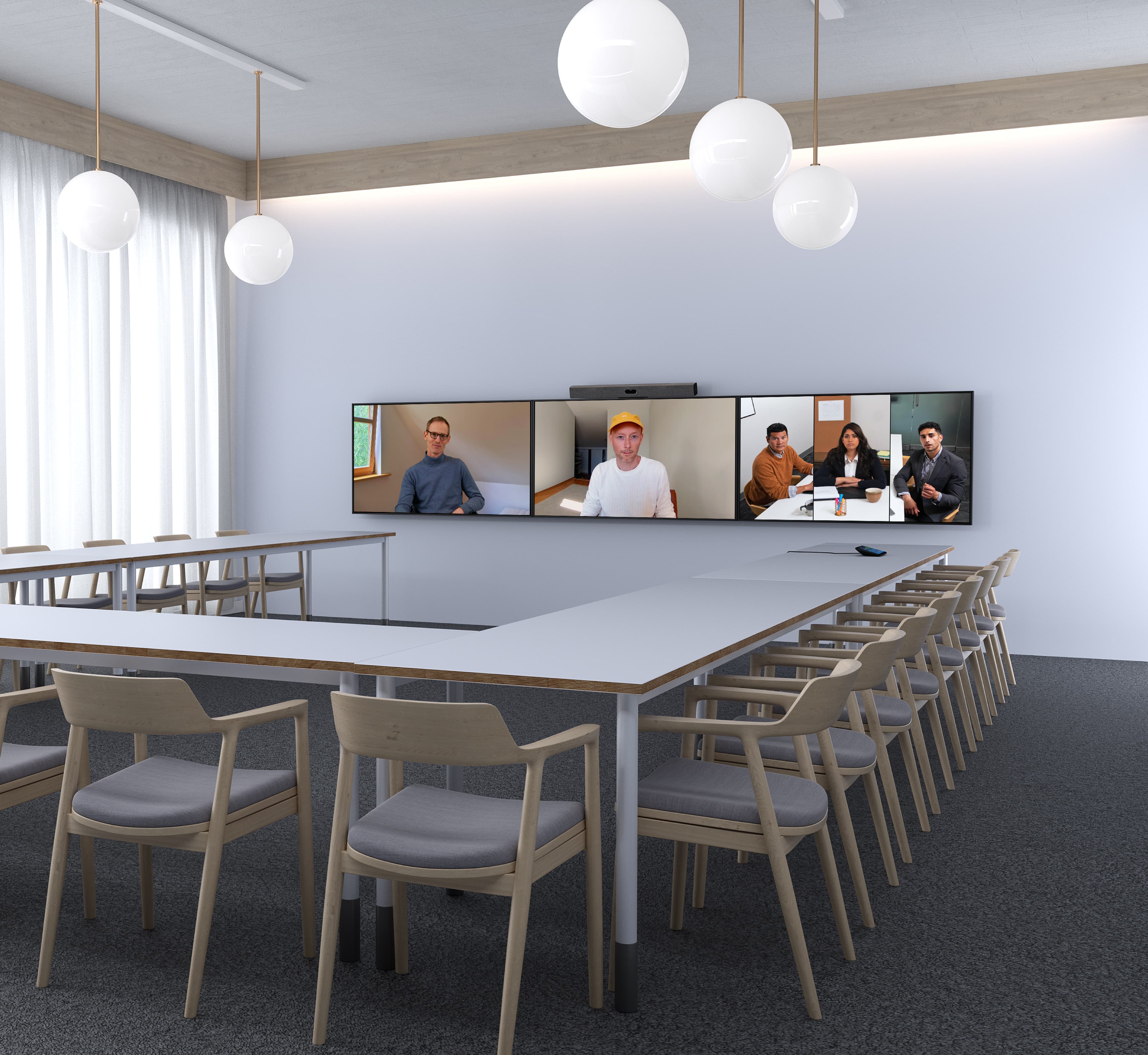
How much space do 10 people really need for effective work?
A key factor that is often underestimated when designing a floor plan is the actual space required for a 10-person meeting room. The shape of the table matters just as much as the total area.
Minimum area, table shape, and spacing
Based on our experience, we recommend planning for 20–25 m². This isn’t a luxury—it’s the minimum needed for a functional setup. Below 20 m², compromises start to appear: some participants will have poor viewing angles of the display or sit with an awkward, twisted posture; the camera won’t be able to capture everyone properly without distortion; and the table ends up too close to the wall, making both ergonomics and technology use more difficult.
The shape of the table directly affects how many people can view the screen without turning their heads. A rectangular table is the classic choice, but with 10 seats, people often need to turn more than 60°. A boat-shaped or oval table reduces this issue, as participants are seated in a slight curve facing the display.
The minimum distance between the back of a chair and the wall should be at least 90 cm, ideally 120 cm. Anything less makes it difficult for people to sit down or stand up comfortably, and the room starts to feel cramped—something that can negatively affect the flow of meetings as well.
Why is the viewing angle to the display crucial for text readability?
When designing meeting rooms, the focus is often on making the display large enough—but the position from which people view it is just as important. The AVIXA (Audiovisual and Integrated Experience Association) recommends that participants should not be seated at an angle greater than 35° from the center of the screen.
What does this mean in practice?
- Distortion effect: If you’re seated too far to the side, text in presentations becomes harder to read and the image loses contrast.
- Narrow room problem: In long, narrow rooms, people seated closest to the display are often already outside the comfort zone. They have to turn their heads unnaturally and still don’t see content clearly.
- Our recommendation: If the layout doesn’t allow for a wider space, a practical solution is to move the table further away from the display wall or choose a larger screen with higher resolution (such as 4K), which remains readable even at steeper angles.
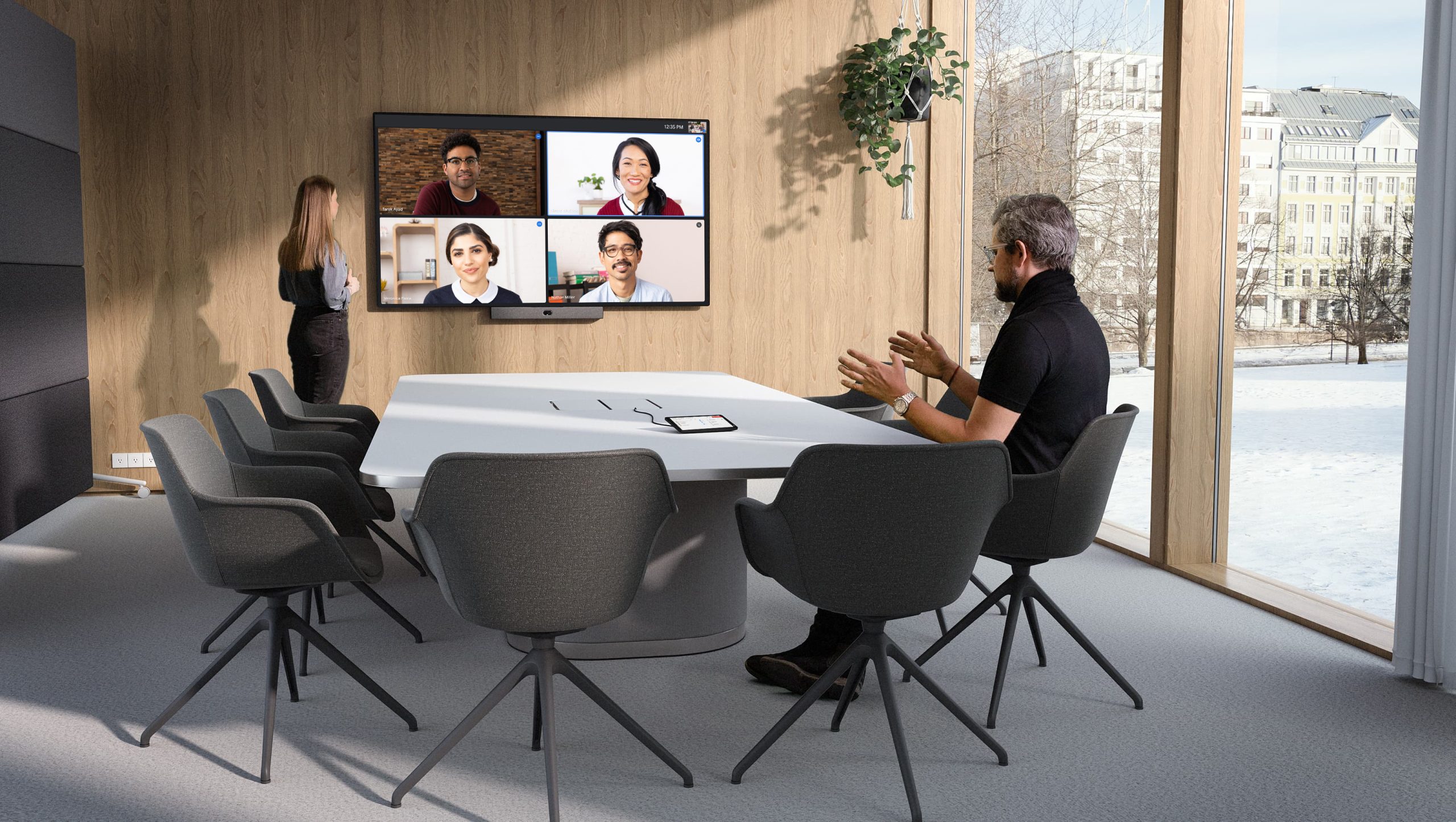
What screen should you choose and where should you place it?
The screen is the first thing people notice in a meeting room. If it’s too small, the presentation loses its impact. If it’s poorly positioned, half of the participants won’t be able to see it.
Screen size based on the distance of the last seat
A proven rule of thumb says that the display height should be approximately one-sixth of the distance to the farthest viewer. In a room with a depth of 5–6 meters, the minimum screen size is 75 inches, ideally 86 inches. A 65-inch display is sufficient only if the farthest participant is within 4 meters.
For shared content (such as spreadsheets or presentations with smaller text), an even stricter rule applies: the text must be readable from the last row. If participants have to squint, the display is likely too small or the content too detailed.
LED display, projection, or interactive board—when does each make sense?
An LED display (75–86″) is now the standard for medium to large meeting rooms. Brightness of around 350–500 nitsensures readability even in well-lit environments.
Projection only makes sense when you need an image larger than 100 inches, but this solution requires control of ambient light.
Interactive boards combine a display, camera, microphones, and touch control in a single device. They are a suitable choice where you want a videoconferencing room with a minimal number of devices and cabling. Specific configurations by room size are covered in our AV technology configuration guide.
Videobar with built-in microphones vs. external microphone units
Modern videobars come with integrated microphone arrays using beamforming technology (a directional signal-processing technique).
In rooms up to 20 m² with 6–8 people, this is usually sufficient. However, with 10 people in a 25 m² room, you’re already at the edge of the effective range. Participants sitting farther away tend to sound noticeably quieter to the remote side.
The solution is to use external microphone units—either tabletop or ceiling array microphones. Each unit has its own coverage zone (typically around 6 × 6 meters for ceiling arrays) and should be positioned to cover parts of the table beyond the reach of the videobar’s built-in microphones. For a 10-person setup with a longer table, we recommend at least one additional unit.
Beamforming microphones can electronically focus audio pickup on the active speaker while suppressing background noise. This significantly improves clarity for remote participants, who hear the speaker rather than the ambient room noise.
Speech intelligibility and beamforming
Speech intelligibility is measured using the STI (Speech Transmission Index). For videoconferencing rooms, STI should be at least 0.6 (good intelligibility). Below 0.5, participants will frequently start asking, “What did they say?”
Audio is the component that is most often underfunded and causes the most problems.
How can you ensure the camera captures all 10 participants?
A camera is not just about resolution. In a room for 10 people, the key factors are the field of view, the ability to auto-frame, and performance in low-light conditions.
Auto-framing and speaker tracking—no longer a bonus, but a standard
With 10 people around a table, a static shot becomes uncomfortable. Distant participants appear as small silhouettes instead of visible faces.
- Auto-framing (group framing) adjusts the shot based on the number of people present.
- Speaker tracking switches the camera focus to the current speaker.
These features are now standard in modern devices. For a room like this, auto-framing and speaker tracking are essential prerequisites for a high-quality video call experience.
Lighting: what the camera needs and what harms it
The camera performs best with even facial lighting and a color temperature of around 4000 K (neutral white).
A common issue is windows behind participants. In such cases, the camera captures silhouettes instead of faces. A proven solution is to use curtains or blinds behind participants and ensure proper front lighting.
However, caution is needed:
- LED strips under the table create unnatural shadows
- Ceiling lights directly above the table cause deep shadows under the eyes
Based on experience, the best results come from a combination of indirect ceiling lighting with forward-facing panel or linear lights that evenly illuminate participants’ faces.
BYOD
BYOD (Bring Your Own Device) allows users to connect their own laptop to the room system and run a video conference using the software and platform on their own device—independent of the conferencing system installed in the room.
Convenient wireless sharing
Using a small puck-shaped device connected via USB-C or HDMI, users can share their laptop content—and in some cases even enable BYOD functionality. This means each participant can connect the puck to their laptop and share content from their device—laptop, tablet, or phone—without cables or software installation.
In a 10-person meeting room, we recommend a hybrid approach:
- wired HDMI/USB-C connection on the table for the presenter
- wireless sharing for other participants
This also provides a backup option if the wireless connection fails.
Touch controller and the “one-button start” principle
The goal is simple: a person enters the room, presses one button, and the video conference starts. No switching inputs, no searching for cables, no calling IT support.
Touch controllers are designed exactly for this. Connected via PoE (Power over Ethernet), they integrate with platforms such as Microsoft Teams, Zoom, or Google Meet, allowing the entire room to be controlled from a single interface.
Why isn’t acoustics an optional add-on?
Even the best devices in the world cannot compensate for a room that sounds like a bathroom. Acoustics are essential, not a nice-to-have feature.
Reverberation time (RT60) and sound insulation
RT60 is the time it takes for sound in a room to decay by 60 dB.
For a videoconferencing meeting room, RT60 should not exceed 0.4–0.6 seconds. Most untreated office spaces have RT60 values above 0.8 seconds, which leads to clearly reduced speech intelligibility.
Sound insulation is the other side of the equation. A meeting room should be protected from external noise such as corridors, open office areas, or street traffic. At the same time, it should prevent confidential information from leaking out.
A common issue is glass partitions without acoustic glass: they look modern, but they transmit sound very effectively.
Acoustic panels: where they make the biggest difference
The greatest impact comes from:
- acoustic panels on the wall opposite the speaker (they absorb first reflections)
- ceiling-mounted absorbers above the table
A carpeted floor also helps, but in rooms with hard flooring, ceiling treatment becomes significantly more important.
Materials with an NRC (Noise Reduction Coefficient) above 0.7 are recommended. It is not necessary to cover the entire room—typically 25–40% of wall and ceiling surfaces is enough to achieve the target RT60.
A professional acoustic design ultimately saves both money and frustration, because it precisely determines where and how much material is actually needed.
5 critical design mistakes in meeting rooms that increase costs
Frequently asked questions
How much space do 10 people really need for effective work?
For a video conferencing room with 10 people, we recommend an area of 20-25 m². Below 20 m², compromises start to appear: some participants will have a poor viewing angle to the display, the camera will struggle to capture everyone without distortion, and the table will be too close to the wall.
What screen size is suitable for a meeting room with 10 people?
The display height should be approximately 1/6 of the distance to the farthest viewer. For a room depth of 5-6 meters, the minimum is 75 inches, while 86 inches is ideal. A 65-inch display is sufficient only if the farthest participant is within 4 meters.
Why is audio the most common source of discomfort during video calls?
Audio is the component most often compromised. The integrated microphone in a video bar typically covers a range of about 4-5 meters. With a table for 10 people, you are reaching the limit of that range, and participants farther away are noticeably quieter for the remote side. The solution is to use additional tabletop or ceiling array microphones.
What should the reverberation time (RT60) be in a meeting room?
For a meeting room used for video conferencing, RT60 should not exceed 0.4-0.6 seconds. Most untreated office spaces have an RT60 above 0.8 seconds, which creates a significant problem with speech intelligibility.
What is BYOD and why is it important in a meeting room?
BYOD (Bring Your Own Device) allows participants to connect their own laptop, tablet or phone to the room system and share their screen without cables and without installing applications. For a 10-person room, we recommend a hybrid approach: wired HDMI/USB-C connection for the presenter and wireless sharing for others.