How to Properly Set Up a Modern Meeting Room: A Guide That Saves You Time
You’ve just submitted a request or are considering it, and you probably have an empty room in front of you—and one big question on your mind:
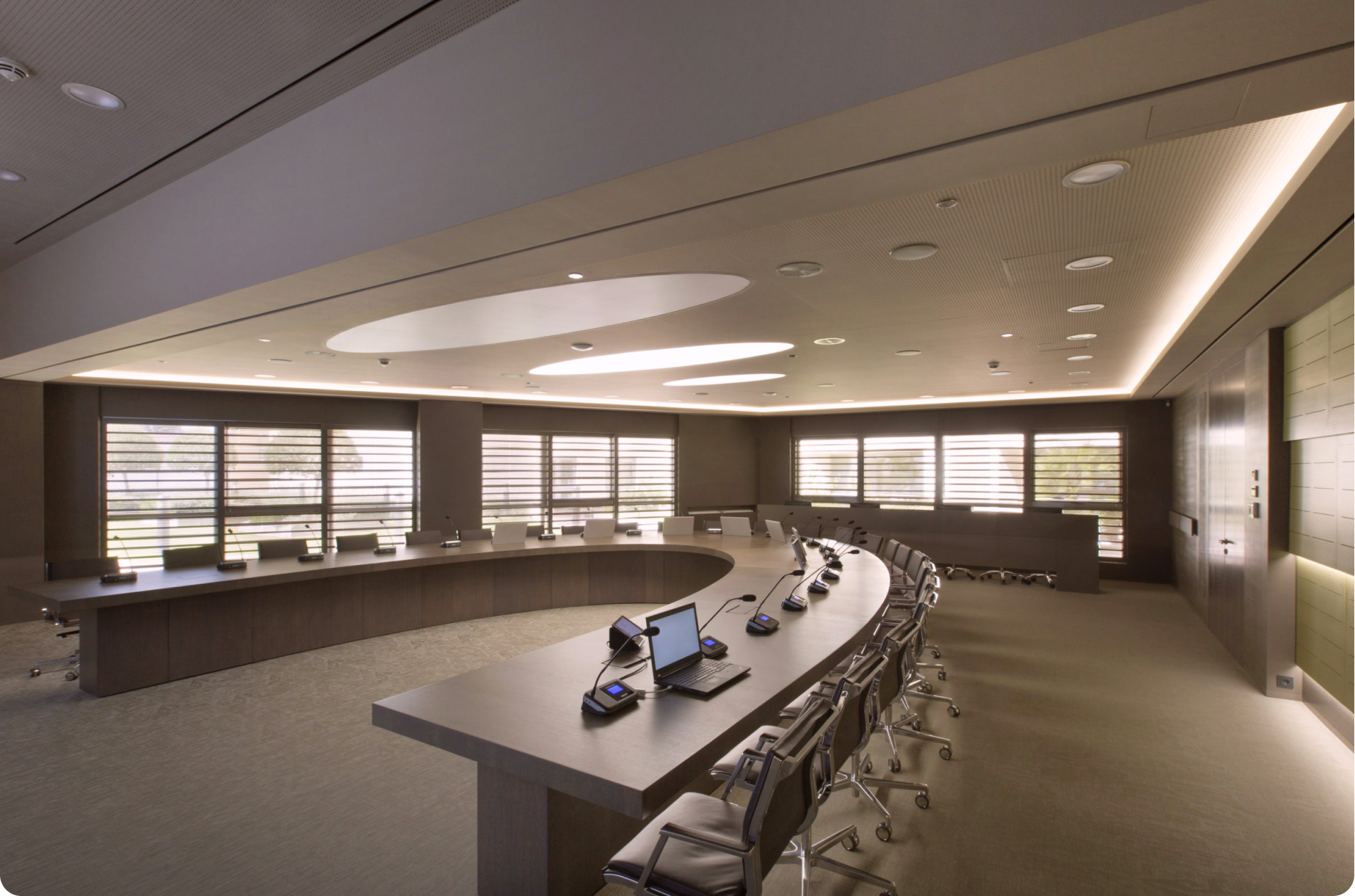
What exactly do we need to put in there to make it work without costing a fortune?
Most people we talk to only set up a meeting room once every 5–10 years. Meanwhile, technology has changed beyond recognition.
You may worry about buying something too complicated for your colleagues to operate—or that you’ll spend thousands on equipment, only to find the audio sounds poor.
We wrote this article so you don’t make that mistake. It’s an honest summary of what to watch out for before you receive a final quote. The goal is to give you a clear picture so you can make an informed decision.
Why “just buy a good camera and TV” is a mistake?
Let’s start with the most important thing that box sellers won’t tell you: video conferencing isn’t about the camera—it’s about the environment.
You could buy the most expensive 4K camera and a ceiling microphone for thousands of euros. If you place them in a room with four bare walls, large glass panels, and a floating floor, the result won’t be good. Which type of room you actually need is covered in our overview of meeting room types.
Problem #1: Acoustics matter more than video
You can’t cheat physics. Glass and hard surfaces reflect sound, creating echo. The microphone picks up the echo, amplifies it, and the other side suffers through the call.
- Solution: Before touching the electronics, look at the room. Do you have a carpet? Curtains? Acoustic panels? If not, we need to account for this in the design. Sometimes it’s better to invest €500 in acoustic panels than to spend an extra €500 on a better camera.
More hidden causes of failed hybrid meetings are covered in our article on why video conferences fail.
Problem #2: Lighting makes the image
If you position the meeting table so that participants have a window behind them, the camera will only see dark silhouettes. No HDR technology can fix this perfectly.
- Solution: Sit where participants will be. Is sunlight hitting their faces or backs? Ideally, light should come from the front or above and be diffused.
Quick test:
Enter an empty meeting room and clap loudly. If you hear echo, you’ll need either hardware with stronger noise suppression or wall treatments to improve the acoustics.
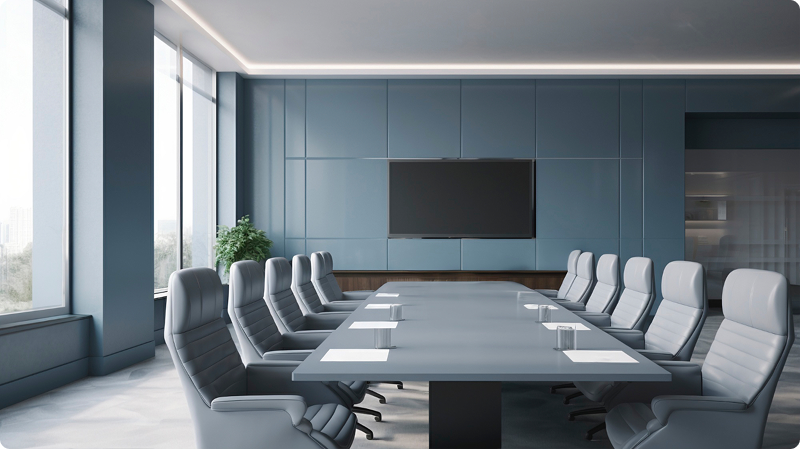
BYOD or MTR: How Will You Connect?
This is the point where the choice really matters. In our proposals, we’ll ask which “ecosystem” you prefer. In plain language, there are two main options:
A) BYOD (Bring Your Own Device) – “Bring your own laptop”
You come into the meeting room with your laptop, connect a single USB cable (or connect wirelessly), and all room technology (camera, speakers, TV) acts as an accessory to your device.
Advantages: Works with Zoom, Teams, Google Meet, or Webex—everything runs from your laptop. Flexible and platform-independent.
Disadvantages: You must have a laptop. Some connection setup is required. Occasionally, you may need to adjust audio settings in Windows.
B) Native Room (Microsoft Teams Room / Zoom Room)
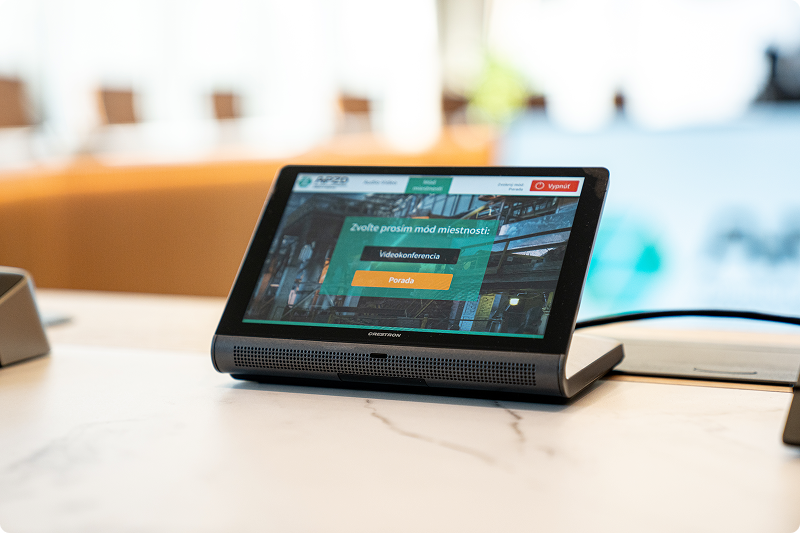
The room has a permanently installed small computer or tablet on the table. Your scheduled meeting appears on the touch panel; you tap “Join,” and the call starts. No laptop is needed.
- Advantages: Extremely simple—anyone can use it, even with no technical experience. No cables, no driver settings.
- Disadvantages: Tied to a specific platform. For example, if you have a Teams Room and a client invites you to a Webex call, you can join, but it may not be as seamless (though interoperability is improving).
Our Recommendation:
For most clients today, we suggest a hybrid approach or a native room solution with optional BYOD support for maximum flexibility.
Display: Why a Home TV Doesn’t Belong in a Business Setting
We often see clients trying to save money here: “Let’s buy a 65-inch TV on sale at the electronics store.” It’s tempting, but there are risks:
Glare: Home TVs usually have glossy screens. In a meeting room with fluorescent lighting, black areas will reflect more of the room than the presentation. Professional displays are matte (haze level controlled).
Text Readability: Excel spreadsheets don’t forgive mistakes. A simple rule: the distance of the farthest viewer ÷ 6 (or ÷ 4 for detailed content) ≈ screen height.
Example: If the CEO sits 4 meters from the wall, a 55-inch TV is too small—they won’t be able to read the numbers in a table.
Durability: Home TVs aren’t designed to run 10 hours a day. They fail faster, and business warranties are often limited.
Projectors: The situation is different for projectors—they only make sense in very large, dark rooms. Modern large-format displays have almost entirely replaced them.
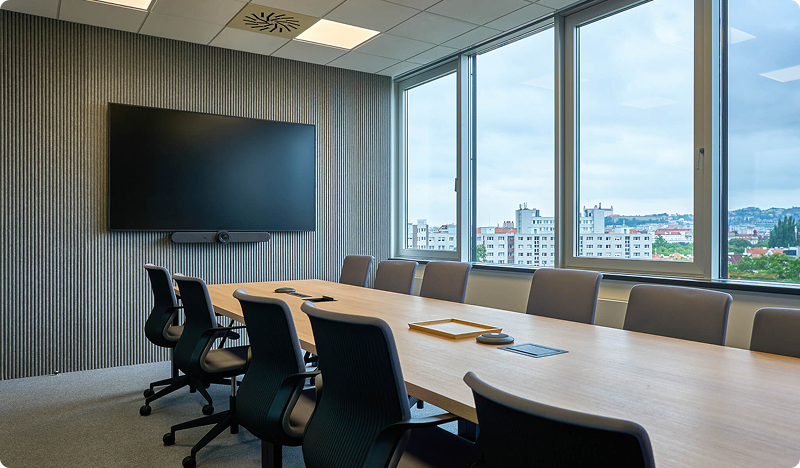
Camera and Audio: So You Can Be Seen and Heard
Forget specs like “megapixels.” In video conferencing, other factors matter more.
Field of View (FOV):
If you have a small room where the table starts right at the wall with the TV, you need a wide-angle camera (120° or more). Otherwise, the person closest to the TV will be “cut off.” Conversely, in a long meeting room, you need a camera with optical zoom to focus on someone at the far end of the table.
Intelligent Framing (Speaker Tracking):
Modern cameras can automatically adjust the frame. When no one is speaking, the camera shows the whole group. When someone speaks, the camera zooms in on them.
Note: This doesn’t suit everyone. Some cheaper models can get confused if multiple people speak at once. At MediaTech Central Europe, a.s., we always test that this feature runs smoothly and doesn’t distract from the meeting.
Microphones:
The most common complaint we solve in older meeting rooms: “We can hear them, but they can’t hear us.” If you have a long table, a single microphone by the TV isn’t enough. You need extended table microphones or ceiling microphones to capture everyone clearly.
How Much Will It Really Cost?
Let’s be straightforward—price is a factor. To give you an idea of typical ranges (prices are indicative for technology only, excluding VAT and construction work):
1. Huddle Room (small room for 2-4 people):
- Quality soundbar with camera + mounts + cabling.
- Budget: approx. €1,500 – €3,000
2. Standard Meeting Room (medium, 6-10 people):
- MTR system or high-quality BYOD setup, additional table microphone, professional display.
- Budget: approx. €4,000 – €8,000
The technical minimum for a room of this size is explained in our guide to a meeting room for 10 people.
3. Boardroom (representative, 12+ people):
- Dual displays, ceiling microphones (invisible), top-tier PTZ cameras, control system for lights/blinds.
- Budget: €10,000+
What Increases the Price?
Requirement for “invisible” technology (everything integrated into ceiling/furniture)
Wireless content sharing (e.g., ClickShare)
Complex installation (cutting into walls, floor boxes)
A detailed breakdown of costs, including licences and hidden items, is available in our cost guide.
What Is Often Overlooked?
When we prepare a design, we also ask about things that seem trivial but can cause real headaches in practice.
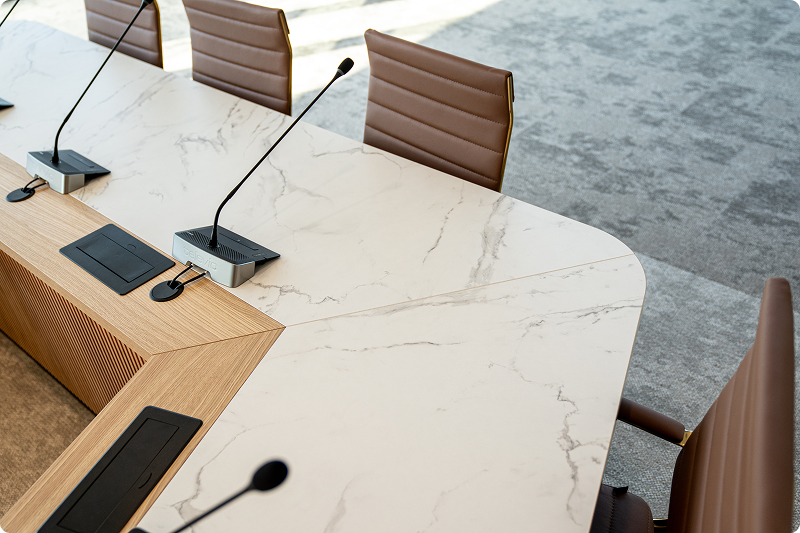
Connectivity in the Table: Does your table have a cable pass-through? Or will we need to drill? If cables are left lying on the floor, someone could trip and pull a connector out of an expensive camera.
Power: Is there an electrical outlet behind the TV? And a data (LAN) port? We don’t recommend relying on Wi-Fi for video transmission—wired connections are much more reliable.
- Licenses: If you choose a Microsoft Teams Room solution, you’ll need a special Microsoft license (Teams Room Pro or Basic). It’s not a huge expense, but it should be included in your monthly costs.
When Our Solution Is NOT for You
We want to be honest. We’re not the ideal partner for everyone.
If you’re looking for the cheapest webcam from an online store and plan to set it up yourself “on the fly,” we probably won’t add much value. Our strength is in design, installation, and guaranteeing that everything works seamlessly together.
If you just need “some TV,” large electronics stores will serve you better.
We specialize in companies that cannot afford technology to fail in the middle of an important meeting.
What Happens Next?
You now know that setting up a meeting room isn’t just about buying a camera—it’s also about acoustics, lighting, connection type, and the right display. Our article on PSNI standards for medium-sized businesses explains how to verify the quality of an integrator.
Our team is now working on your quote. If your request was incomplete, we’ll likely reach out to clarify. It’s better to fine-tune your selection criteria now—over coffee or a Teams call—than to be dissatisfied six months from now.
We look forward to helping you build your new meeting room.
Frequently Asked Questions
Why are acoustics more important than video quality in a video conference?
Glass and other hard surfaces reflect sound and create echo. The microphone amplifies this echo, making the conversation difficult to understand. Investing in acoustic panels is often more important than purchasing a more expensive camera.
What is the difference between BYOD and a Microsoft Teams Room solution?
With BYOD, or Bring Your Own Device, users connect their own laptops to the room equipment using a cable. With a native Microsoft Teams Room solution, the room has a dedicated tablet or computer, so a laptop is not required and the call can be started with a single touch. BYOD is more flexible, while a Teams Room is simpler to operate.
Why is a standard consumer television unsuitable for a meeting room?
Consumer televisions usually have glossy screens that reflect light and reduce visibility. They are not designed for all-day operation, and text such as spreadsheets may be difficult to read. Professional displays use matte panels and are designed for more demanding operation.
How much does it typically cost to equip a small video conferencing room?
Professional equipment for a small huddle room designed for two to four people typically costs between €1,500 and €3,000 excluding VAT. This usually includes a high-quality video bar with a camera, mounting hardware and cabling.
What is the Speaker Tracking feature on a video conferencing camera?
Speaker Tracking is an intelligent framing feature that automatically detects and zooms in on the person who is currently speaking. When nobody is speaking, the camera automatically switches back to a wide view of the entire group.
Do you want to check if your room is suitable?