What Size LED Wall Do You Need Based on Content and Viewing Distance?
Reading time: 7 minutes

When designing an LED wall, the first known figure is often the amount of free wall space. Readability, however, depends on the detail that the person sitting furthest away must still be able to recognise.
The required size is derived from three things: the type of content, the detail that must remain readable and the distance of the furthest viewer. Based on the task, first determine whether the content is intended for basic or analytical decision making. Then enter the information required by the relevant section of the public DISCAS calculator. Compare the resulting minimum active image height with the active height stated in the proposal. A universal ratio or room dimension cannot replace this relationship.
Quick overview
- Start with the content that must remain readable
- Basic and analytical decision making are two different tasks
- Measure where the furthest viewer is located
- Calculate the size using the DISCAS calculator
- Compare the active image height
- Where the calculator stops
- Send the same inputs to every supplier
- Frequently asked questions
Start with the content that must remain readable
The same LED wall may display video, presentations, spreadsheets and technical drawings. Each of these requires a different image size because each requires the viewer to read a different level of detail. A photograph may still fulfil its purpose even when the viewer cannot distinguish every fine element. The same image area may fail when displaying a spreadsheet in which somebody needs to find a number that will influence a decision.
Choose a specific file or screen that will be important for the work carried out in the room. In a presentation, identify the smallest text that needs to remain readable. In a spreadsheet, identify the cell containing an important value. In a drawing, identify the detail that must remain distinguishable. The word “presentation” is too broad for design purposes, while an example of a specific slide gives the supplier something that can actually be verified.
Add one sentence explaining how the sample will be used. The same file may serve only for general orientation or may be used as a basis for decisions. The file name alone does not reveal this.
Image size is related to the task performed by the person looking at it. An audience watching video and large headings requires a different image area from a team checking figures or reading technical drawings from the last row. This distinction determines the next step in the calculation.
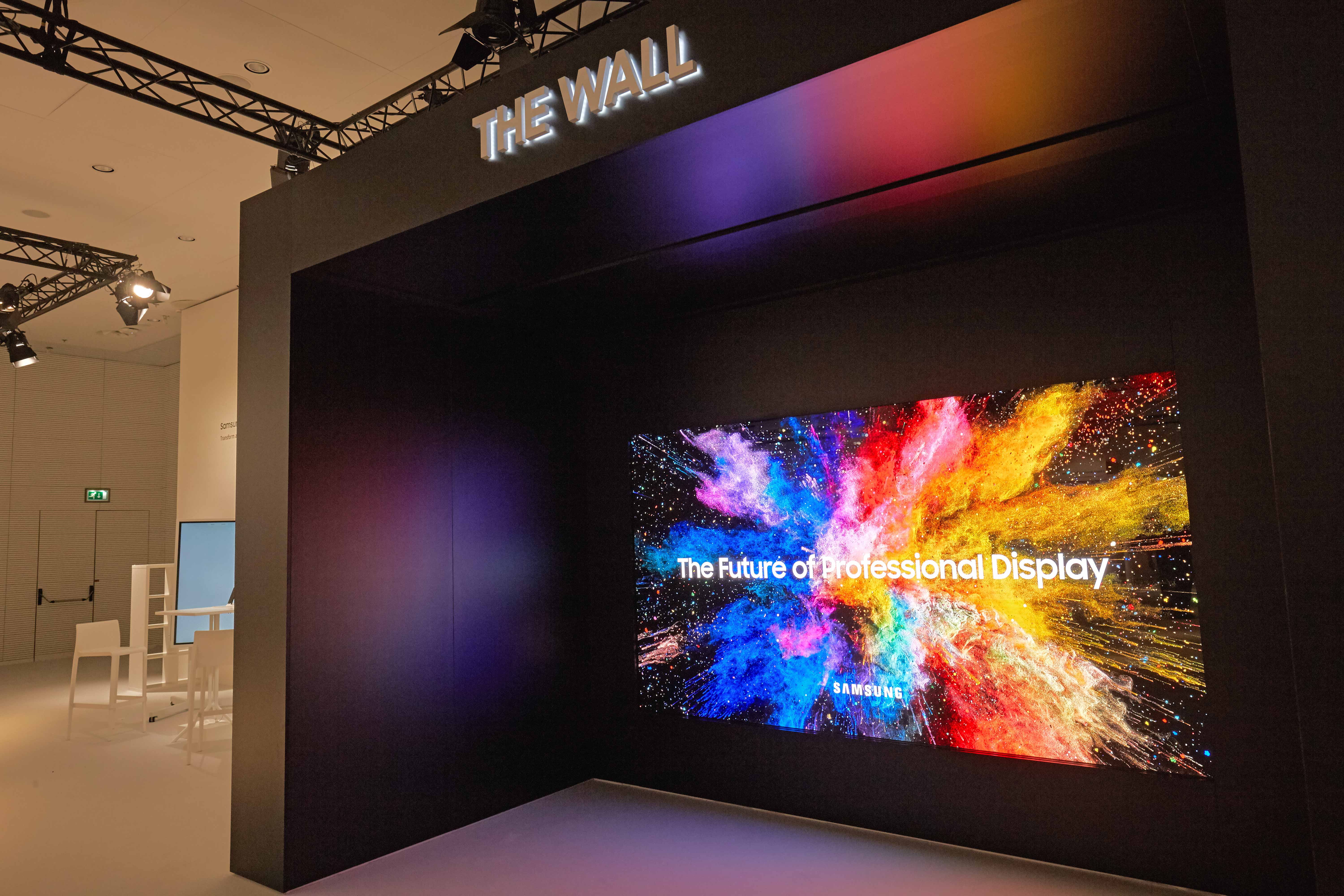
Basic and analytical decision making are two different tasks
The DISCAS method from the ANSI/AVIXA V202.01:2026 standard distinguishes between two situations. With basic decision-making content, the viewer can recognise the text and image well enough to understand the information and make a normal decision. In a project brief, you can describe this as viewing content. Examples include a presentation with readable headings, an information screen or an image where nobody needs to inspect fine detail.
Analytical content requires the viewer to distinguish detail that can change the conclusion. This might be a number in a spreadsheet, an element on a map, part of a technical drawing or an image used for precise inspection. The resolution of the displayed image therefore also becomes part of the assessment.
Choose the category according to the most demanding task the display will perform regularly. If decisions regularly depend on fine detail, the content is analytical because without that detail the image would not fulfil its purpose. If people only need to understand the main information, basic decision making is sufficient.
Measure where the furthest viewer is located
Mark the position of the display and the location of the person who will sit or stand furthest away on the floor plan. Measure the distance from the plane of the active image to that position. The number of chairs or the name of the room cannot replace this distance because two rooms with the same capacity may have completely different layouts.
Measure the position from which the content will actually be read. The last chair next to a side wall may technically be the furthest point on the floor plan, but if nobody watches the screen from there, it should not determine the calculation. Standing audiences or extended seating arrangements belong in the brief if they form part of normal operation.
Also record the closest viewing position, even though the image size is calculated according to the furthest viewer. At close range, viewers may be able to distinguish individual light-emitting points on a modular LED surface, so the closest position creates the second boundary condition for the technical design. This article treats it as an input and does not use it to determine pixel pitch.
Calculate the size using the DISCAS calculator
The public DISCAS calculator has two sections, one for basic decision making and one for analytical decision making. Select the one that corresponds to the actual task.
For basic decision making, identify an element in the sample that the viewer must be able to recognise and express its height as a percentage of the total active image height. You can determine this proportion directly from the slide or screen by comparing the height of the element with the height of the complete image. For analytical decision making, enter the number of vertical pixels based on the resolution of the file or application. With a resolution of 1920 × 1080, the input is 1080 pixels. In both cases, also enter the distance of the furthest viewer and use the same unit of length throughout.
Consider an example of how to read the result. With analytical content at a vertical resolution of 1080 pixels and the furthest viewer at a distance of 10 metres, the calculator returns a minimum active image height of approximately 3.14 metres. This is an illustrative calculation. Use your own inputs and your own result in the project brief. Active height refers only to the part of the surface on which content is displayed, excluding the surrounding structure.
Keep the units consistent throughout the calculation. The calculator works with the values entered, so mixing metres and millimetres will produce a meaningless result. Save the calculation together with the selected category and the input viewing distance.
Transfer the result into the enquiry as a value that can be checked. Include the content type, the distance of the furthest viewer and the minimum active image height from the public DISCAS calculator in the enquiry. The supplier can then explain any deviation from this baseline.
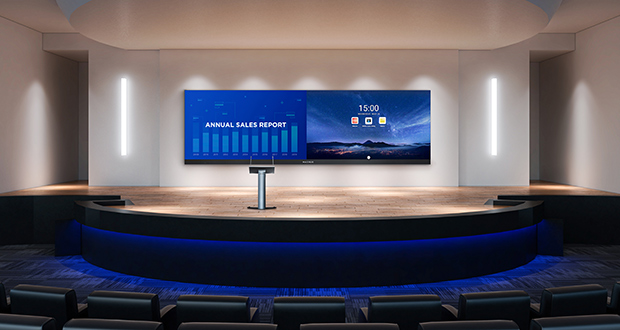
Compare the active image height
Active height is the part of the surface on which content is actually displayed. The total physical dimensions of the installation may also include the supporting structure and space around the image, so they cannot be compared directly with the calculator result. Look for the active image width and active image height in the proposal.
A proposal that gives only the overall installation dimensions cannot be verified retrospectively. Ask for the input viewing distance, content category and active height on which the design is based. Using the same format allows you to compare two proposals even if each supplier proposes a different display shape.
Where the calculator stops
DISCAS assesses the required image size and viewer positions at the level of the complete visual system. Selection of the specific LED configuration, cabinet, model and pixel pitch belongs to the technical design stage, which already knows the required active image area and both extreme viewing positions.
The image-size calculation says nothing about wall load capacity, power supply, heat dissipation, service access or lighting conditions in the room. These questions are covered in the main overview article on how to choose a professional LED video wall. This article remains focused on size and readability so that the calculator does not become a premature product-selection tool.
If a proposal jumps directly from viewing distance to a specific product, ask for the missing step. The supplier should show what active image size your content requires and how the proposed display meets that requirement. Only then does it make sense to assess the technical parameters of a specific LED solution.
Send the same inputs to every supplier
Two proposals can only be compared when both suppliers are working with the same content and the same viewer position. Attach a floor plan showing the position of the display and viewers, an example of the most demanding content and the saved calculator result.
Also include the closest viewing position and the usable wall dimensions in the brief. They do not determine the required image size, but they show whether the calculated image area will fit in the available space and where the next design question begins. In your comparison table, give each proposal its own row with the same inputs and the proposed active image height. If a proposal deviates from the inputs, request an explanation in the same row.
In a simple room, one large-format display may provide the required readability. A complex LED wall design may not be worthwhile when the furthest viewer is relatively close and the required image area is small. Eliminating the LED wall from consideration is also a valid result because the technology should follow the task it needs to perform.
Frequently asked questions
How do you calculate the required LED wall size? First determine whether the viewer needs to understand basic information or evaluate fine detail. Then enter the content information and the distance of the furthest viewer into the relevant section of the DISCAS calculator. Compare the resulting minimum active image height with the active height stated in the proposal. The diagonal size or external dimensions of the installation are not sufficient. The supplier should provide both the inputs and the method used to reach the result.
Is the room size enough to determine the size of an LED wall? No. The required size cannot be determined without the viewer layout and an example of the content. The furthest relevant viewing position determines the calculation distance, while the complexity of the content determines the smallest important detail that needs to remain visible. Two rooms of the same size may therefore require different active image heights.
What is the difference between basic and analytical content in DISCAS? With basic decision making, the viewer only needs to read and understand the information and does not need to inspect fine detail. Analytical decision making depends on detail that may change the conclusion, such as a number in a spreadsheet or an element in a technical drawing. DISCAS therefore calculates these two situations separately. Choose the category according to the task the image will perform regularly.
Does the DISCAS calculator also determine the pixel pitch of an LED wall? No. The calculator addresses the relationship between image size, content and viewer distance. Pixel pitch, cabinet type and model are selected later during the technical design stage, which also takes the closest viewing position into account. Use the calculator result as an input to the enquiry.
Should I measure the closest or the furthest viewer? Image size is determined by the furthest position from which the content will actually be read. Record the closest position as well because it affects how easily the viewer may distinguish the individual light-emitting points of the modular surface. Both positions belong in the enquiry and each answers a different part of the design problem. The number of viewers cannot replace either measurement.
Does the DISCAS calculation apply only to LED walls? No. DISCAS works with image size and viewer positions at the level of the complete visual system. It can therefore help assess the image even when a display or projector remains in the final shortlist. The selected technology must still be capable of delivering the calculated active image size under the conditions of the actual room. Lighting, mounting and operation are assessed separately.
Next step
Send MediaTech the floor plan, an example of the most demanding content used regularly, the closest and furthest viewing positions and the DISCAS calculator result. These inputs allow the required image size to be assessed before a specific product is selected.