How to Choose a TV for a Meeting Room: When a TV, Professional Display or Interactive Display Is Enough
Reading time: 6 minutes
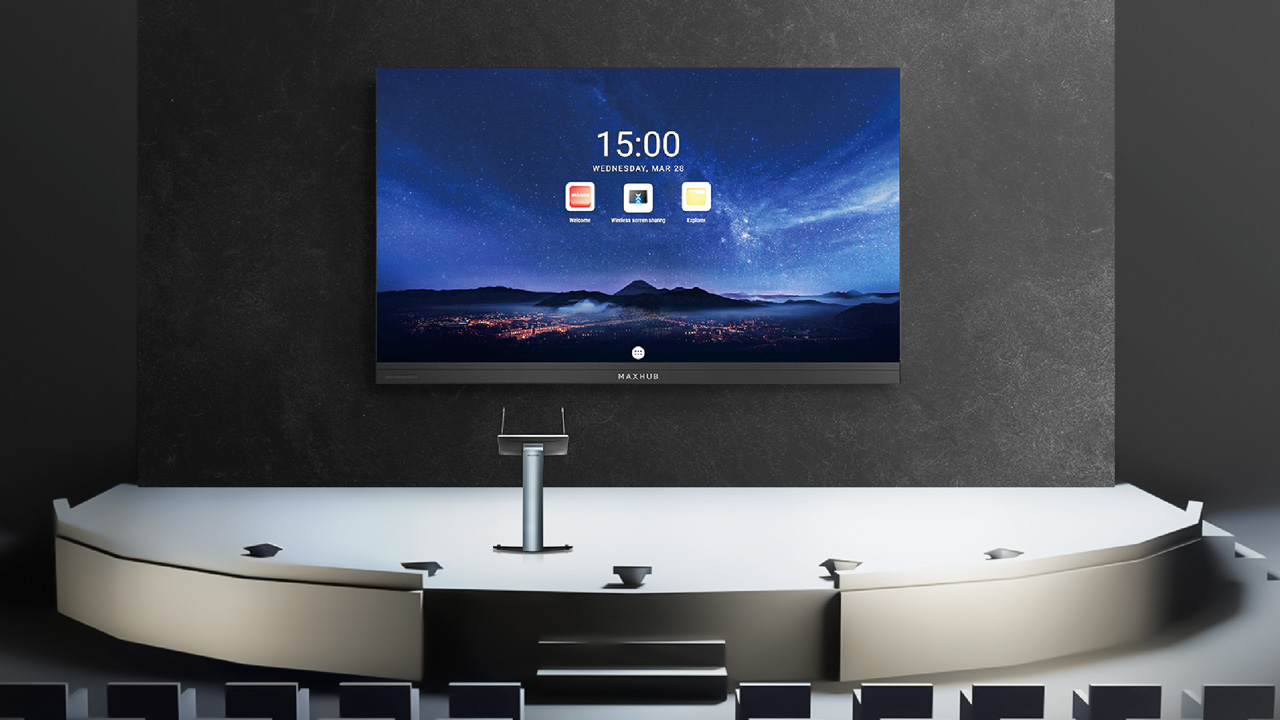
A meeting room screen is often selected according to screen size and price. In everyday use, however, what matters is what people do with it, how often they switch it on and who is responsible for managing it.
A TV is sufficient for occasional presentations and video from a connected laptop. A professional display is suitable where the screen regularly serves a working or information purpose and IT needs to manage both its operation and content. An interactive display makes sense when people genuinely write, draw or control content directly on the screen.
Quick overview
- First define what the screen will be used for
- A TV is enough for occasional presentations
- A professional display belongs in everyday operation
- An interactive display needs a specific task
- Lighting and content management can change the decision
- Give every supplier the same questions
- Frequently asked questions
First define what the screen will be used for
Saying “we need a TV for the meeting room” does not yet explain what the screen is supposed to do. One team may switch it on for a presentation from a laptop, another may edit content directly on it during meetings, while a third may need to display information managed over the network. Start with how the room will actually be used. The name of the technology comes later.
Write down who will use the screen, what they will display on it and who will change the content or device settings after the meeting. Add how often it will be used, whether it is switched on only during meetings or should display company information between them, what the lighting conditions are like and whether anyone actually needs touch functionality. These answers will show whether a TV is sufficient or whether you should consider a professional or interactive display.
Screen size alone does not answer the question. Size needs to be assessed together with the content, room layout and viewing distance of the furthest participant. This article focuses on the narrower question of which type of display to choose. If you are designing an entire video conferencing room, the camera, microphones, loudspeakers and call-starting workflow are separate decisions covered in our article What Kind of Meeting Room Do You Actually Need?.
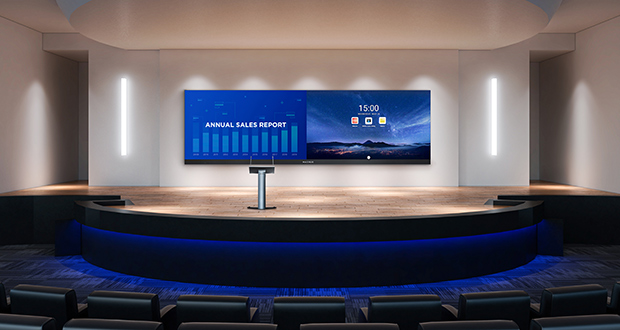
A TV is enough for occasional presentations
A TV is usually an appropriate choice when the screen is switched on occasionally, the content is brought into the room on a laptop and the company expects nothing more from it once the meeting is over. In that situation, the user only needs to switch it on and control it locally. Before purchasing, simply verify that the specific model is suitable for how often and how long it will operate and how devices will connect to it.
From a budget perspective, this option makes sense when you do not need touch functionality, network-based content management or centralised control of multiple screens. For a single meeting room used for occasional presentations, connecting the display to the network and other AV systems is usually unnecessary. An internal IT or procurement team can normally select and connect a standalone screen.
Once the display becomes a regular working tool, however, a TV is no longer automatically the right choice. Regular operation, management of multiple devices, content updates and readability in challenging lighting conditions all change the brief. At that point, compare the specific TV with a professional display under the same operating conditions.
A professional display belongs in everyday operation
Include a professional display in the comparison when the screen regularly supports meetings, corporate communication or information content. Define who switches the device on, who manages the video sources and who updates the content. Content may also arrive over the network, which creates a separate responsibility for IT or operations.
When comparing products, ask how the device is controlled locally, whether its settings and status can be managed remotely and how it behaves under the planned operating schedule. The supplier should explain this for the specific model because the category name alone does not guarantee identical functionality across devices. Also verify how the display will connect to your network and who will be responsible for its configuration.
The benefit of a professional display should be visible in the way the room is actually used. If the screen is switched on only occasionally, controlled by one person from a laptop and the company has no need for device or content management, a TV may perform the same task. The difference should be reflected in the work the screen supports, not simply in the name of the item on the quotation.
An interactive display needs a specific task
An interactive display allows users to write with a finger or stylus, draw and connect a laptop. It therefore belongs in a meeting room where people actively edit, explain or work with content directly on the screen. The brief should describe a specific task, such as adding notes to a document, drawing together or controlling content in front of a group.
Also define who will use the touch functionality and what will happen to the result after the meeting. Collaborative work should therefore be assessed according to the specific activity carried out at the screen and what happens to the output afterwards. Without this, touch remains a device feature that the team may never use during normal meetings.
A modern meeting room does not automatically need an interactive display. When participants mainly watch a presentation controlled by one person from a laptop, a professional display or TV is usually more appropriate. The budget can then remain focused on functions that will actually be used.
Lighting and content management can change the decision
Windows, direct sunlight and room lighting affect what participants can actually see on the screen. A standard indoor display may lose readability in direct sunlight because of reflections on the glass. Assess the screen under lighting conditions and with content similar to what will be used in the meeting room. How it looks in a showroom or darkened room tells you very little about how it will perform during your meetings.
The second decision area is content management. When presenting from a laptop, the person attending the meeting manages the content. With a permanent information display, somebody needs to approve, update and distribute the content to the device, which means the network and the responsibility of IT or operations become part of the decision.
Assess lighting and content management together with the intended use and frequency of operation. A device may be technically capable but still unsuitable for the everyday workflow. Give every supplier the same inputs so that each proposal addresses the same meeting room.

Give every supplier the same questions
A short brief helps separate the type of technology from the features of an individual product. You can send the following information to internal IT, procurement and suppliers:
- Purpose and content. What people need to view or do on the screen, together with an example of typical content.
- Frequency and operation. When the screen will be used, who switches it on and what the company expects from it outside meetings.
- Content management. Whether the user brings content on a laptop or the company manages and distributes it over the network.
- Lighting conditions. Photographs of the room during normal use, windows, direct sunlight, lighting fixtures and the possibility of shading.
- Use of touch. Who will use touch functionality, for which task and what will happen to the output afterwards.
Make the decision according to purpose, frequency and method of operation, content management, lighting conditions and the actual use of touch. If some information is still unknown, mark it as an open point. The supplier can then explain what should be solved by the product and what remains the responsibility of your organisation.
Frequently asked questions
When is a TV sufficient for a meeting room? For occasional presentations and video from a connected laptop. Consider how often and for how long it will operate, how devices will connect to it and the lighting conditions in the room. If you do not need touch functionality, network-based content management or control of multiple screens, the simpler option is usually appropriate. Verify the specific model against these conditions.
When is a professional display more suitable for a meeting room than a TV? When the screen regularly performs a working or information role. The comparison should include local control, remote management, the source of the content and the planned operating schedule. IT or operations should also know who manages the device and who updates the content. The category name does not replace checking the capabilities of the specific model.
Does an interactive display make sense for ordinary presentations? It makes sense when people write, draw, add notes or control content directly on the screen. For a presentation controlled from a laptop, touch adds little value. The brief should therefore identify who will use it and what happens to the output afterwards. Without that, compare the interactive display with a professional display instead.
How does a bright meeting room affect the choice of screen? Direct sunlight can reduce readability on a conventional indoor display because of reflections on the glass. Windows, shading, lighting fixtures and the content that needs to remain visible all matter. Assess the screen under the same lighting conditions normally present during meetings. Use the same sample content when comparing different solutions.
Do we need centralised content management for a meeting room screen? It makes sense when the company updates information across multiple devices or needs to change content without visiting the room. For a screen used only for presentations from a laptop, this functionality is usually unnecessary. Before choosing the device, define who owns the content and who owns the device. This will show whether central management is a genuine requirement or simply another feature on the specification list.
Who should choose the screen for a meeting room? Procurement needs pricing and comparable proposals, IT handles connectivity and management, and users understand how meetings actually work. These three groups should create a shared brief because the name of the device will not resolve their different requirements. An internal team can usually choose a simple standalone screen. An integrator has a greater role where the display needs to connect with the room, corporate network and other AV systems.
Next step
Send MediaTech photographs of the meeting room, the floor plan, an example of the content and the completed question block from this article. These materials make it possible to compare a TV, professional display and interactive display according to how the room will actually be used.