Meeting Room Technology Equipment: Complete Guide from Needs Audit to Tender
Reading time: 8 minutes
Quick summary
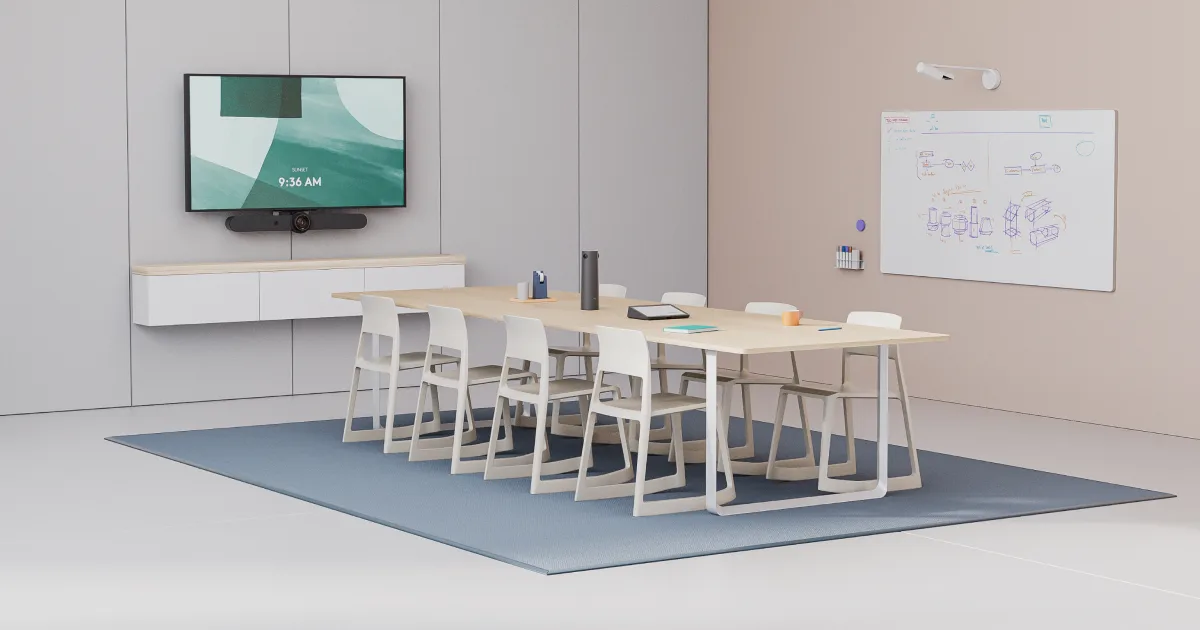
Successful meeting room deployment with audiovisual technologies begins with an assessment (audit) of room acoustics and lighting — not by browsing camera catalogs.
It requires choosing the right videoconferencing system (BYOD vs. a native room such as Microsoft Teams Rooms) and ends with a tender that does not consider only the lowest hardware price, but also functionality guarantees based on standards (PSNI, AV9000) and an SLA service support model.
Deciding how to equip corporate spaces with technology faces one major challenge: AV hardware changes so quickly that companies modernizing their meeting rooms once every 5 or 10 years often no longer know the current technology standards.
The result is often a poorly considered investment in expensive devices that employees cannot use smoothly at the end of the day, or unpleasant echo during calls that frustrates both sides.
The following guide provides a comprehensive view from the perspective of an AV systems architect and explains how to assess the process correctly from the first idea to the evaluation of offers.
What does the assessment of room acoustics and meeting room technical equipment look like?
The foundation of a high-quality design is not the budget for the camera itself, but the physical characteristics and limitations of your room. A space with smooth walls and large glass partitions reliably reflects sound. This creates echo, which ceiling or table microphones immediately amplify and transmit to the other side.
Room acoustics are the essential foundation
The first and most important step of the entire installation is the assessment of surface materials. Integrating acoustic panels, carpets or heavier curtains to optimize reverberation time (RT60) is often a more meaningful investment than paying extra for more expensive software noise suppression in electronics.
The laws of physics related to sound reflections cannot be tricked by software, and they significantly affect the overall long-term return on the project investment (TCO).
The physics of the space will not allow even the most expensive technology to function properly if acoustic design and appropriate lighting are missing in the installation.
Lighting conditions and camera position
A camera capturing a team of people with an overexposed window behind them will record only dark silhouettes. Devices need diffused light from above and from the front. The audit clearly defines the appropriate placement of the table and the type of videoconferencing unit to ensure visual contact on both sides of the call.
Which connection ecosystem (BYOD vs. native room) is right for your company?
The choice of platform depends on the balance between flexibility and stability. Companies typically decide whether their employees need to start video conferences quickly and reliably, or whether they require a universal and flexible system for a wide range of use cases.
1. Flexible approach (BYOD – Bring Your Own Device)
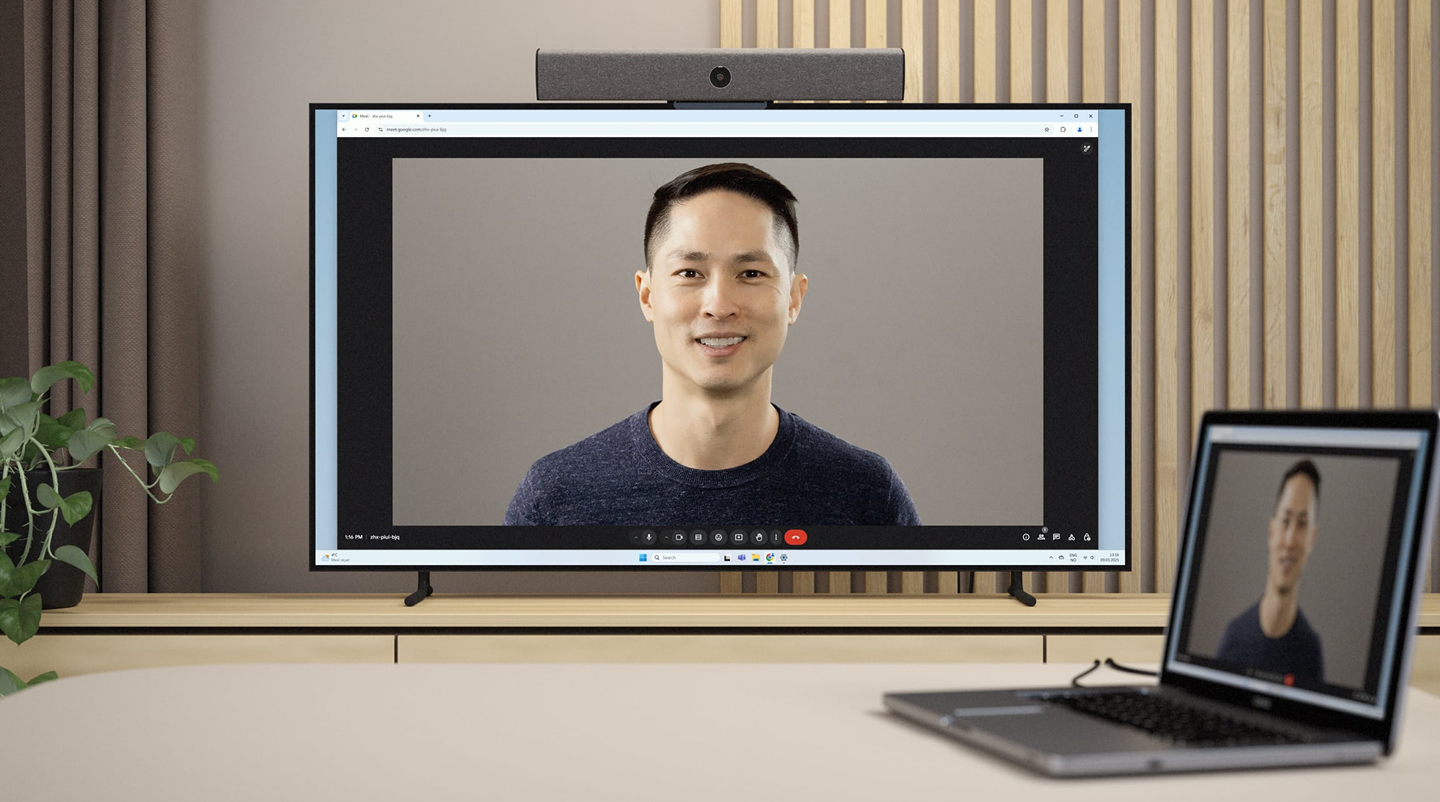
The principle is that the employee brings their own laptop into the meeting room. The complex technology in the room, such as a large display, professional cameras and speakers, essentially acts only as high-end external equipment for their own computer.
When to choose it: It provides extreme freedom for people who switch during the day between platforms such as Zoom, Microsoft Teams, Webex and Google Meet. However, a potential drawback may be the need to connect cables and a higher error rate if a personal Windows/Mac device fails to correctly load the drivers of the room’s videoconferencing system.
2. Platform-bound system (Microsoft Teams Rooms / Zoom Rooms)
A native room assumes that a processor (mini PC) is permanently installed in the room and that there is only a touch panel on the table. The employee does not start emails; they enter the room, see the prepared meeting on the screen and start the call by tapping the “Join” button.
When to choose it: For maximum smoothness and absolute simplicity without connecting cables. This approach dramatically reduces the workload of the IT support department. With certified hardware, you avoid incompatibility issues and users do not waste time before important meetings setting audio inputs and outputs.
How to size the display and camera correctly for a corporate meeting room?
If you rely only on the features of standard commercial televisions, as you would for a home cinema, when requesting hardware, you may directly reduce overall working comfort and make important materials difficult to read.
- Why avoid consumer TV models from an e-shop: They may seem attractive because of their price. However, they often have extremely glossy screens that reflect white fluorescent lights in the meeting room. Professional LFD displays designed for 24/7 operation offer a matte design, higher guaranteed brightness in ANSI lumens and a better corporate warranty without panel degradation.
- Content readability rule: There is an unwritten integrator rule: the height of the display should be at least one sixth of the distance to the farthest seated participant. Otherwise, reports, presentations and spreadsheets full of small numbers will not be readable for half of the table.
- Viewing angle and intelligent capture (Speaker Tracking): Compact and narrow rooms require ultra-wide-angle cameras with a field of view above 120°, otherwise they will cut off employees sitting closest to the wall and display.
In longer, traditional meeting rooms (boardrooms), the AV integrator should design a solution based on smart PTZ cameras with optical zoom, capable of detecting and intelligently tracking the speaker smoothly, without distracting the viewer.
How much does it cost to equip a video conferencing room?
When budgeting for innovations and replacements (Lifecycle Management), IT plans should be divided according to different room sizes with different technical levels and requirements. The right AV architect design can protect the budget.
Purchasing technology without first considering the benefit of the whole system often leads to paying for excessive features you will never use (prices are indicative and do not include additional construction work or VAT).
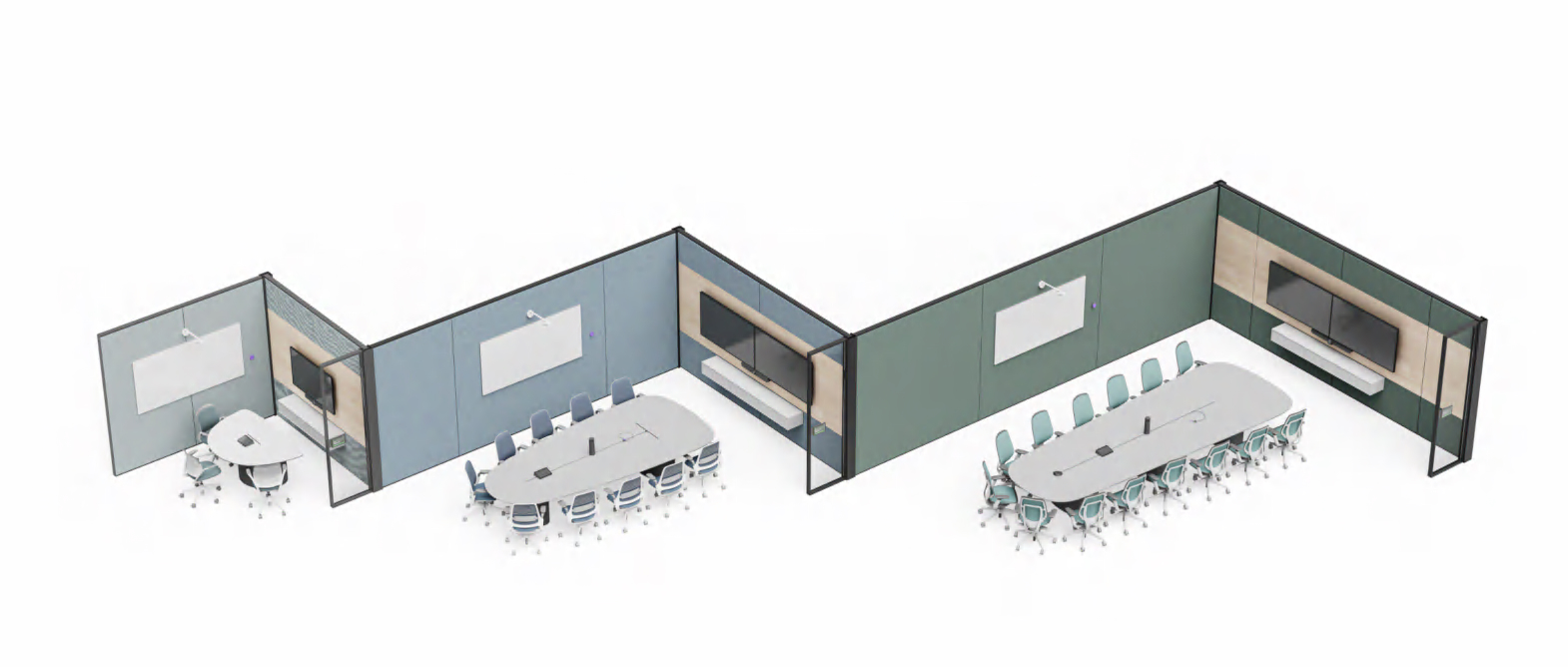
Huddle rooms (small space for 2 to 4 people):
These are most often solved with an intelligent video conferencing soundbar with an integrated camera and beamforming microphone. These all-in-one units are compact and affordable.
Budget orientation: €1,500 – €3,000.
Standard meeting rooms (for 6 to 10 people):
These already require a professional LFD display and additional microphones on the table, or microphones built into a plasterboard ceiling, together with a certified native Microsoft Teams Rooms or Zoom Rooms setup with a dedicated computing processor.
Budget orientation: €4,000 – €8,000.
Board rooms and executive rooms (for 12+ people):
Such prestigious spaces often use dual large-format displays, invisible ceiling-mounted directional microphones that eliminate noise from paper handling, professional intelligent switching between multiple tracking cameras, and a control system that automates the seamless start of meetings, blinds, and lighting. Budget orientation:
€10,000 and more. (The final implementation cost is also affected by the need for completely discreet architecture without visible network cabling or by cutting floor boxes and cable routes).
What must not be missing when preparing a top-level AV tender?
If you submit an AV tender to the public or procurement market only as a list of required hardware (I want 5 cameras and 5 displays), the resulting supplier offers will not be unified or objectively comparable, because they ignore the key operational reality of technology deployment and acoustics directly at the installation site.
According to recommendations, a good AV integrator proposal that ensures high quality for users and strong TCO is defined mainly by functional parameters:
- Electrical installation readiness and network sharing: The requirements document must clarify whether executive tables are ready for additional structural drilling for connectivity and define the exact plan for fixed LAN sockets, because Wi-Fi transmission in a corporate network is often not sufficient for permanent synchronous 4K video transmission.
- Inclusion of ongoing software licences (SaaS): Native rooms (MTR / Zoom) require special annual add-on software licences for operation. These are not a one-time CapEx item like purchasing the displays themselves. They must be included in the requirements and OPEX targets.
- Requiring guarantees based on international alliances: To avoid a situation where the installation is carried out cheaply by a local IT company without certifications, which then refuses to tune reverberation, require installation guarantees based on global standards in the tender. A strong and measurable benchmark for delivery quality is, for example, the AV9000 quality standard or delivery of the system according to the certification framework of the global installation network of buyers and AV engineers, the PSNI Global Alliance.
- Lifecycle Management and SLA: Mature AV integrators define and require remote lifecycle monitoring of devices through NOC centres and cloud platforms. This allows their technical support to proactively log into a damaged cable or remotely restart a faulty system before your board enters the meeting room. Do not procure only hardware; require guaranteed maintenance-free operation.
The right investment is measured by reliability
Equipping a meeting room with modern technology is no longer just about buying a display and a webcam. A properly selected integration architecture, a thorough acoustic assessment, and strictly defined tender requirements are key to ensuring that your investment translates into smooth communication without stress or technical failures.