7 Wireless Presentation Risks You Won’t Find in Standard Price Lists
Reading time: 8 minutes
Quick summary
Wireless presentation problems are not linked only to purchase price, but also to network architecture, latency, software lifecycle and supplier processes.
These key elements are usually not mentioned in a technical datasheet. Professional systems have them solved as standard, while devices from regular retail channels usually do not.
Specification tables look clear until the system is launched in real operation. Only then does it become clear that stability and real costs depend on details that were not discussed at the beginning. Video response, network throughput or hidden software licence fees determine whether the technology will work without downtime.
1. Latency causes video and audio to fall out of sync
Latency is a technical delay. You play a presentation video and the lip movement is delayed against the audio.
Low-cost systems typically have latency between 500 and 1,500 milliseconds. When drawing in real time on a digital whiteboard, this means a half-second delay in cursor movement.
Professional solutions usually keep this value below 150 milliseconds.
This is a level below which the human brain does not register the delay. Yet in the technical datasheets of both devices, you may find the same marketing claim about low response time. You cannot read the real situation from a standard price list.
How to address this when purchasing?
Do not include only a simple requirement for wireless transmission in the specification. Add a very specific criterion: maximum total latency of 200 milliseconds during smooth high-resolution transmission.
With this data-based requirement, you filter out solutions that would later disrupt the flow of meetings.

2. Dependence on the corporate network paralyses transmission when the network is overloaded
When a new system is installed, it is often assumed that the device will somehow connect to the network and work. However, standard devices usually operate in only one basic mode. They connect to the corporate infrastructure in exactly the same way as any other laptop.
As long as the network is free, transmission is smooth. But when a mass system update starts or large data backups are running, the wireless presentation starts to stutter. Your department cannot do anything about it, because the device does not allow video to be prioritized over normal network traffic.
Devices built for real enterprise load solve this problem differently. They support two parallel modes. The receiver creates its own independent access point. Guest devices connect directly to it, so they do not load the corporate network and do not gain access to it.
If the receiver is still connected to the main corporate network, it can mark its data with a special priority. It clearly instructs the network to let video and audio pass through even when transmission capacity is full.
How to address this in the tender?
Add a precise condition to the request. The receiver must support simultaneous operation in its own access point mode and in client mode with support for priority marking of transmitted data.
Why video calls stutter even over fast corporate fibre is explained in the article about five mistakes that cause meeting room technology to freeze.
3. Client application installation blocks external guests
An important client arrives. They have their data ready and want to share their screen quickly. But the basic system asks them to install a company application. At that moment, you run into the common reality of corporate security, where the guest does not have administrator rights on their device and cannot install any external software.
While your IT department can solve this centrally for internal employees, for external visitors the presentation becomes a technical obstacle.
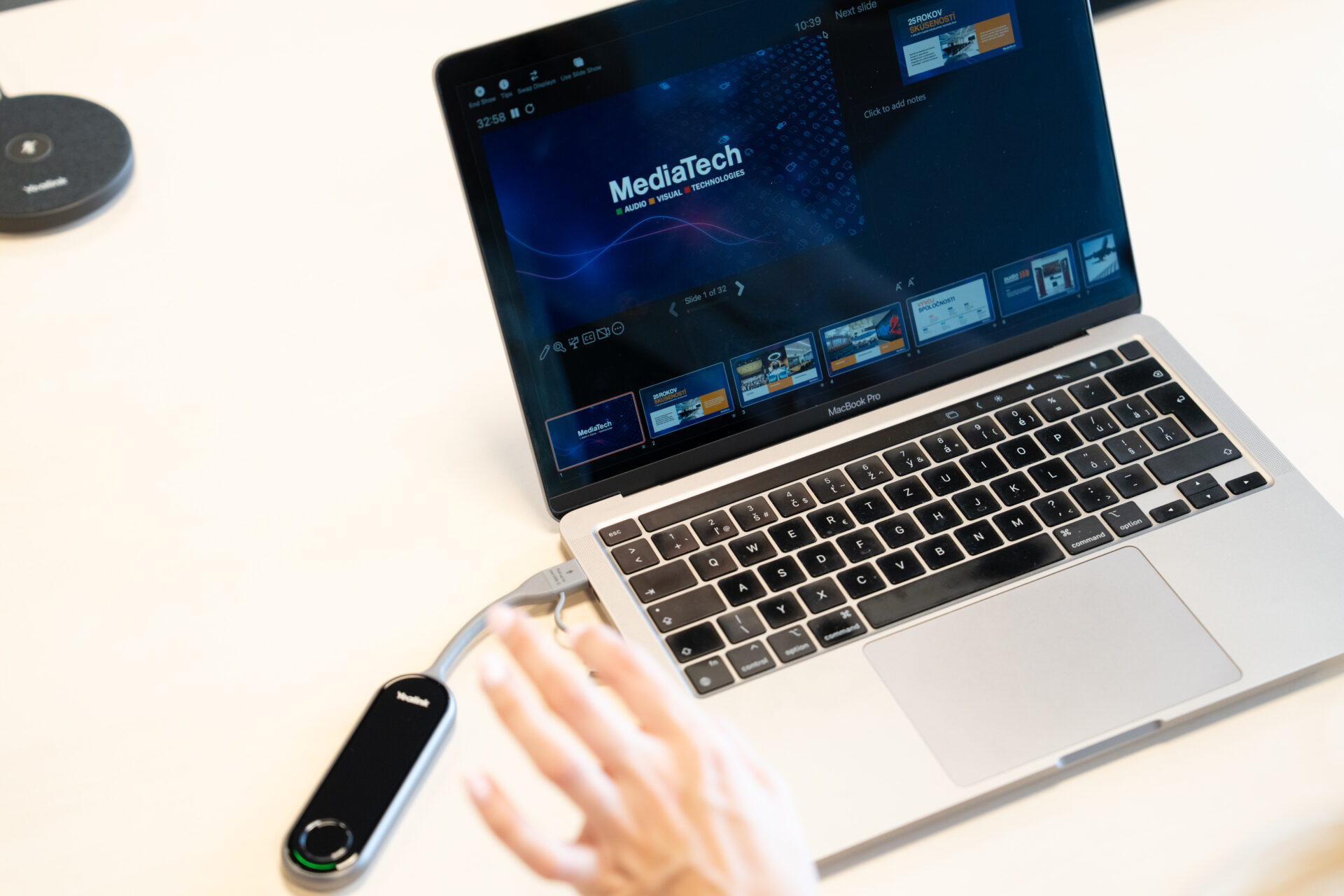
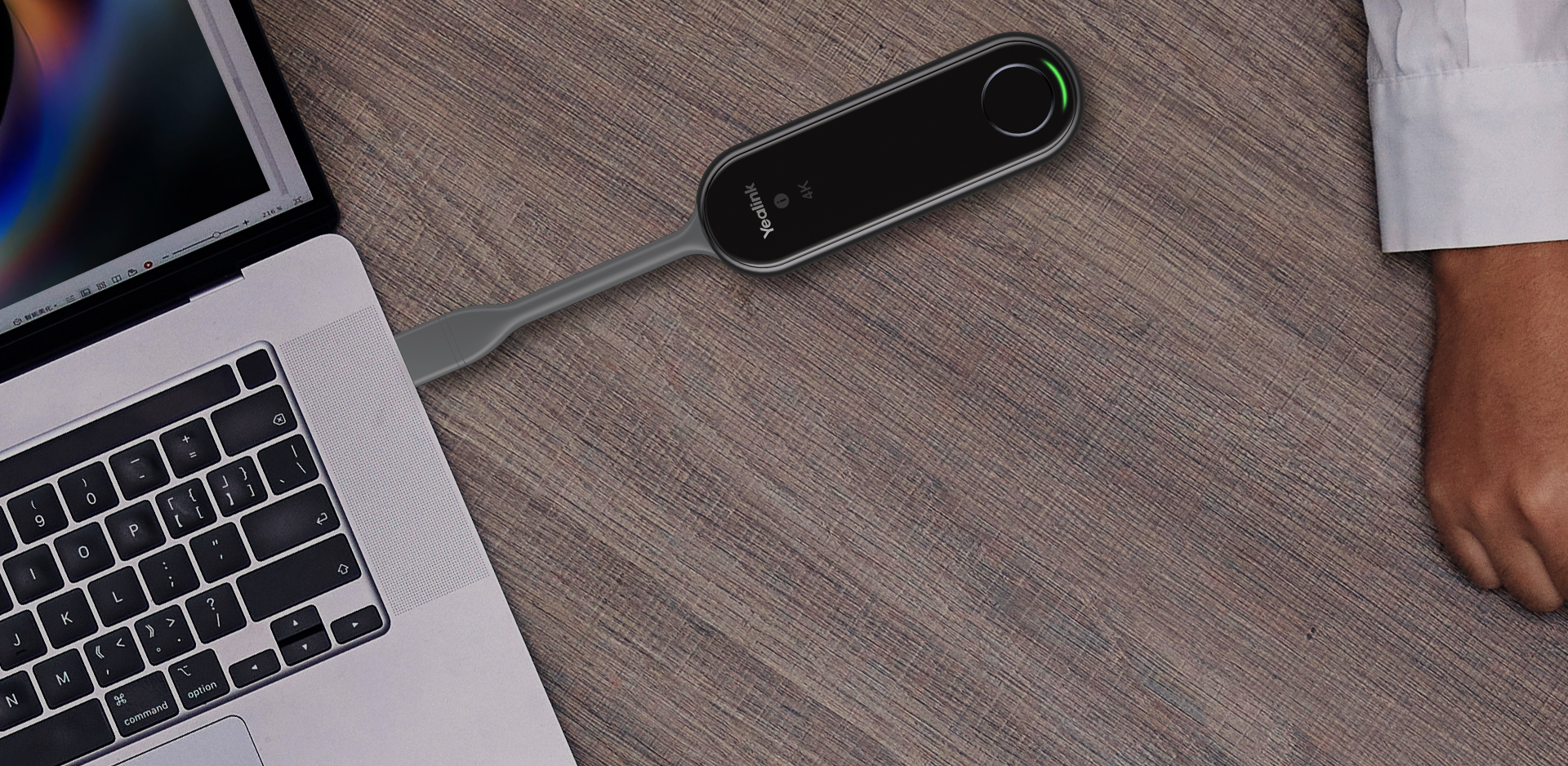
Devices designed for professional use approach screen sharing in ways that require no software changes. The guest receives a small hardware button, plugs it into the port of their laptop and presents immediately.
Modern operating systems have wireless protocols built in by default. For the visitor, this means using technology that their laptop already naturally contains, without the risk of being blocked by the security rules of their own company.
How to address this when purchasing?
Include a requirement in the tender that guest connection must work without installing any additional software. The receiver must natively support at least two common wireless protocols and also include an additional hardware button for transmitting video from protected laptops.
4. Missing encryption exposes the corporate network to threats
From an infrastructure perspective, a wireless presentation receiver is a full endpoint. It is freely accessible in a room where external guests connect to it with their unsecured devices. It is one of the most exposed points in the company.
Some devices cannot communicate in a dedicated isolated network. Your specialists therefore have to place them in the guest network, where the device then loses connection to internal corporate systems. At the same time, certificate-based authentication may be missing, without which a properly secured network will not accept the new device at all.
The biggest weakness remains missing transmission encryption. A shared screen containing sensitive financial spreadsheets travels through the room in an unprotected form.
Technology built for corporate environments has all these security protocols solved and active in the default configuration.
With devices from regular e-shops, the manufacturer eventually shifts attention to a new model and important system updates stop being released.
5. Ended software support takes working hardware out of operation
The physical wireless presentation device is built to handle mechanical load for many years without problems. The surrounding digital ecosystem, however, changes much faster. Manufacturers release new versions of operating systems and change security rules for communication platforms.
These common changes can cause a fully functional receiver to suddenly stop working with corporate laptops after a company-wide update.
With devices from regular e-shops, the manufacturer eventually shifts attention to a new model and important system updates stop being released. The warranty covers only material defects. It does not cover a guaranteed reaction time, replacement hardware or installation of security patches.
A separate service contract is used to address these real risks. It precisely defines the level of long-term technology support.
How to protect yourself in the tender?
Add a requirement that the manufacturer must provide a written guarantee of security patches and firmware updates for at least five years. Maintenance itself must be covered by a service contract with guaranteed availability of spare parts.
6. Missing central management multiplies operating costs
With two meeting rooms, you do not need to deal with central technology management. The situation changes as soon as the number of operated rooms exceeds ten. Without a unified management panel, your specialists spend hours every month on routine work that should run fully automatically.
When you do not receive central management at all, or only have a simple interface for each device separately, expect firmware installation to take place manually and separately on every receiver. And when one of the devices stops working, you only find out during an ongoing meeting.
Professional solutions include a central platform that lets you see the status of the entire device fleet in real time, detect error states in advance and apply configuration changes across all devices with one click.
How the total cost of ownership of an AV system is calculated is explained in the pricing guide.
7. A closed ecosystem creates unplanned supplier dependency
In some cases, once you build your infrastructure on receivers from one specific brand, every future room expansion forces you to buy matching hardware buttons. A closed system therefore keeps you inside one fixed ecosystem.
Another hidden cost is recurring licence fees for central management and cloud functions, charged monthly for every connected device.
On the day the contract is signed, the package may look attractive from an investment perspective. But when costs are calculated over a five-year period, operation becomes significantly more expensive.
“More expensive” systems reduce this dependency through seamless support for open native protocols. Thanks to them, employees and external guests can fully present content directly from standard workstations, without needing to own brand-specific hardware.
If the manufacturer decides to radically change its licence policy in the future, the company has a functional exit strategy.
Specification criterion
The receiver must guarantee support for native presentation protocols independent of the hardware manufacturer.
Do not forget a cable backup
For every important meeting room, we install a robust cable route for video transmission as a backup. Wireless presentation always depends on a functioning corporate network and third-party operating systems. None of these underlying layers is fully under the control of the audiovisual technology integrator.
If an operating system update on a laptop fails during a key meeting, or an anomaly occurs in the corporate network, a cable connection provides an immediate, 100% reliable alternative for continuing work. A cable backup is not a step back from technology. It is a hard standard that defines a responsible approach to uninterrupted business operation.
Which technology belongs in which room is explained in the AV technology configuration guide.
Wireless system checklist matrix
When comparing received price offers and technical solutions from suppliers, use this analytical table.
| Assessment parameter | Standard retail system | Professional corporate system | High-level professional integration |
| Video and audio response | 500 to 1,500 milliseconds | values below 150 milliseconds | below 150 milliseconds and real on-site measurement |
| Network architecture | client mode only | parallel mode and priority marking | parallel mode and detailed corporate network design |
| External guest connection | requires application installation | hardware button and native protocols | button, native protocols and managed setup |
| Enterprise security | no encryption and missing authentication | certificate authentication, isolated network and encryption | full compliance with ISO standards and proof of hardware origin |
| Software lifecycle | vague, non-binding promises | five-year written update guarantee | service contract, replacement units and configuration backup |
| Device fleet management | none, only individual interface | central platform for monitoring and analytics | platform connected with training for corporate IT administrators |
| Technology dependency | closed ecosystem and hidden licences | use of open protocols and clear conditions | total cost calculation and contractual price guarantee |
Five questions that determine investment efficiency
Before you send suppliers a request for quotation, evaluate these parameters. Each point directly affects whether the new technology will support your business processes or end up in storage as an unusable investment.
- What is the exact frequency of visual presentations in the room? Analyse hard data from the corporate room booking system.
- What share of meetings involves external business partners? An internal employee can overcome obstacles, but a guest struggling with a poor connection sees technological weakness as a reflection of your company’s quality.
- Is the wireless infrastructure ready for smooth video transmission? Every wireless presentation stands or falls on the stability of the corporate network, not only on the parameters of the endpoint receiver.
- Does your IT department have the capacity to maintain separate devices? More than ten meeting rooms necessarily require unified central management.
- Do you have an exit strategy for a technology change? Verify who keeps the licences, configurations and central management data if you decide to change your audiovisual technology partner in the future.
Specification for a wireless presentation tender
Are you preparing a technical specification for modernizing one or more corporate meeting rooms? We will carry out a thorough audit of the existing network, assess the condition of the spaces and prepare a strict technical specification based on performance data. Completely without pressure toward a specific hardware manufacturer.
How to assess an integrator’s quality in a tender is explained in the article on PSNI standards for medium-sized businesses.
Consultation without obligation: mediatech@mediatech.sk | +421 220 999 700
Frequently Asked Questions
What level of wireless presentation latency is still acceptable?
Standard consumer systems have a latency of approximately 500 to 1,500 milliseconds. When drawing on a digital whiteboard, this causes a half-second delay between the cursor and the user’s movement, while video playback can suffer from audio and video synchronisation problems. Professional solutions keep latency below 150 milliseconds, which is generally low enough not to be perceived by users. Tender specifications should include a specific requirement of no more than 200 milliseconds during smooth high-resolution transmission.
Why does a wireless presentation begin to stutter during the day?
Inexpensive systems often connect to the corporate network using only a single client mode. When a large software update or data backup begins, the video transmission has no priority and starts to stutter. Professional devices support two parallel modes: an independent built-in access point for guests and traffic prioritisation when connected to the corporate network. This allows video and audio traffic to take priority over ordinary data traffic.
How can an external guest connect without installing an application?
Professional receivers support two methods. The first is a hardware button that the guest connects to the laptop’s USB port to begin presenting immediately. The second uses native wireless protocols already included in modern operating systems. In both cases, the guest does not need administrator rights or third-party software, which otherwise represents one of the most common reasons why an important presentation fails to start on time.
What security risk does a wireless presentation receiver pose?
The receiver is a fully functional network endpoint to which external guests may connect using unsecured devices. Inexpensive models often lack support for a separate VLAN, certificate-based authentication and, most importantly, encrypted transmission. As a result, a shared screen containing sensitive data may be transmitted without adequate protection. Professional solutions provide encryption, network segmentation and authentication as part of their standard configuration.
How long should a manufacturer provide software support for a wireless presentation receiver?
The physical device may last for years, but laptop manufacturers continuously change operating systems and security protocols. Without firmware updates, a fully functional receiver may eventually stop pairing with corporate laptops. The specification should therefore require a written guarantee of security updates for at least five years, together with a separate service agreement defining response times and spare-part availability. A standard warranty only covers material defects, not operational risks.
At what number of meeting rooms does centralised AV management become necessary?
The threshold is approximately ten rooms. With fewer rooms, an organisation can usually operate without centralised management. Above this number, however, the IT department may spend hours every month carrying out routine work and updating each receiver individually. A central platform displays the status of the entire device fleet in real time, identifies faults before a meeting begins and applies configuration changes across all devices with a single action.
How can a company avoid being locked into a single AV technology supplier?
A closed ecosystem of receivers from one brand forces the organisation to purchase identical hardware from the same manufacturer whenever the system is expanded, often together with recurring licence fees for centralised management. The solution is to require support for open, native presentation protocols that allow employees and guests to present from standard workstations without specialised hardware. This gives the company a practical exit strategy if the manufacturer changes its licensing policy.