Meeting room automation: How to reduce user cognitive load when starting a meeting
Reading time: 4 minutes
Quick summary
Video conferencing rooms may be equipped with modern devices, yet every meeting participant still has to manually adjust the lights, blinds and air conditioning before the call, while also searching for the correct input on the screen. This is not a device problem. It is a system design problem. This article explains what One Touch Join is, when it makes sense and where its real limits are.
In most meeting rooms, the situation looks like this: the devices are high quality and each one does exactly what it is supposed to do. The camera captures the room, the display shows the image and the air conditioning cools the space. The problem is that they do not communicate with each other.
As a result, before every call, a person goes through several steps manually. They close the blinds so the camera does not overexpose the image. They reduce the ventilation so the microphone does not pick up noise. They set the correct input on the display. They open the meeting application. Each step is small. Together, they take more time than they should.
How starting a meeting looks in most meeting rooms today
In practice, we see two scenarios with clients.
First scenario: the meeting room has one system for video calls, another for lighting control and a third for air conditioning. Each one works through a different interface and they do not communicate with each other.
Second scenario: the company has invested in high-quality devices, but the integrator configured them as separate units. The soundbar is connected to the display, not to the control processor. The blinds are operated through the building BMS, which nobody connected to the AV system.
The result is the same in both cases: people get used to a multi-step ritual before every meeting and start treating it as normal.
Why the devices themselves cannot solve this problem
Each of these devices does its job well. The question is not the quality of the devices, but who gives them instructions. If there is no central control element, every device waits for manual input from a person.
Modern control processors can take over these commands and automate them. The devices remain the same, but they gain an intermediary that understands all of them at once.
Why meeting room technology freezes and meetings start late is explained in our article on the five most common mistakes.
How One Touch Join works in practice
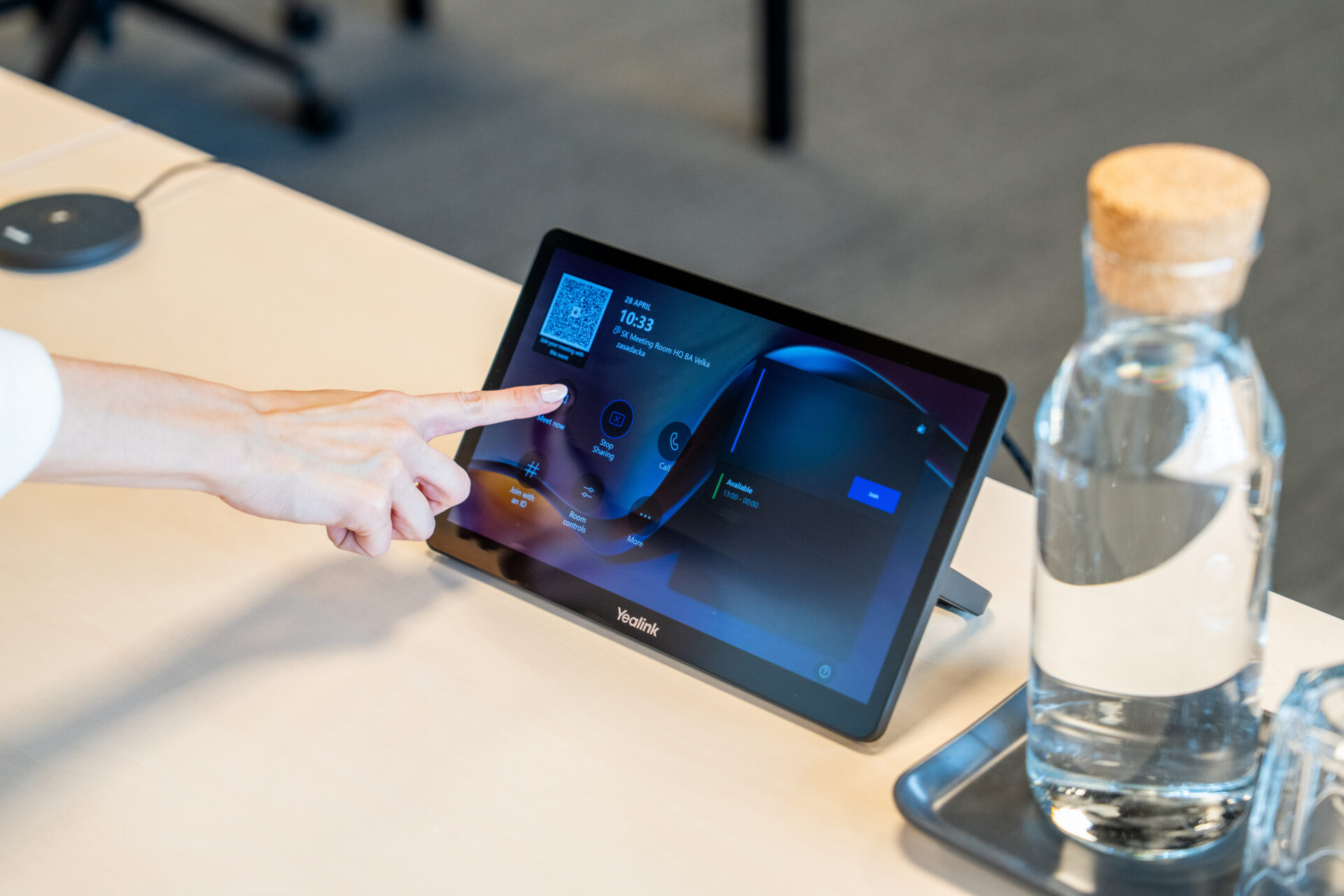
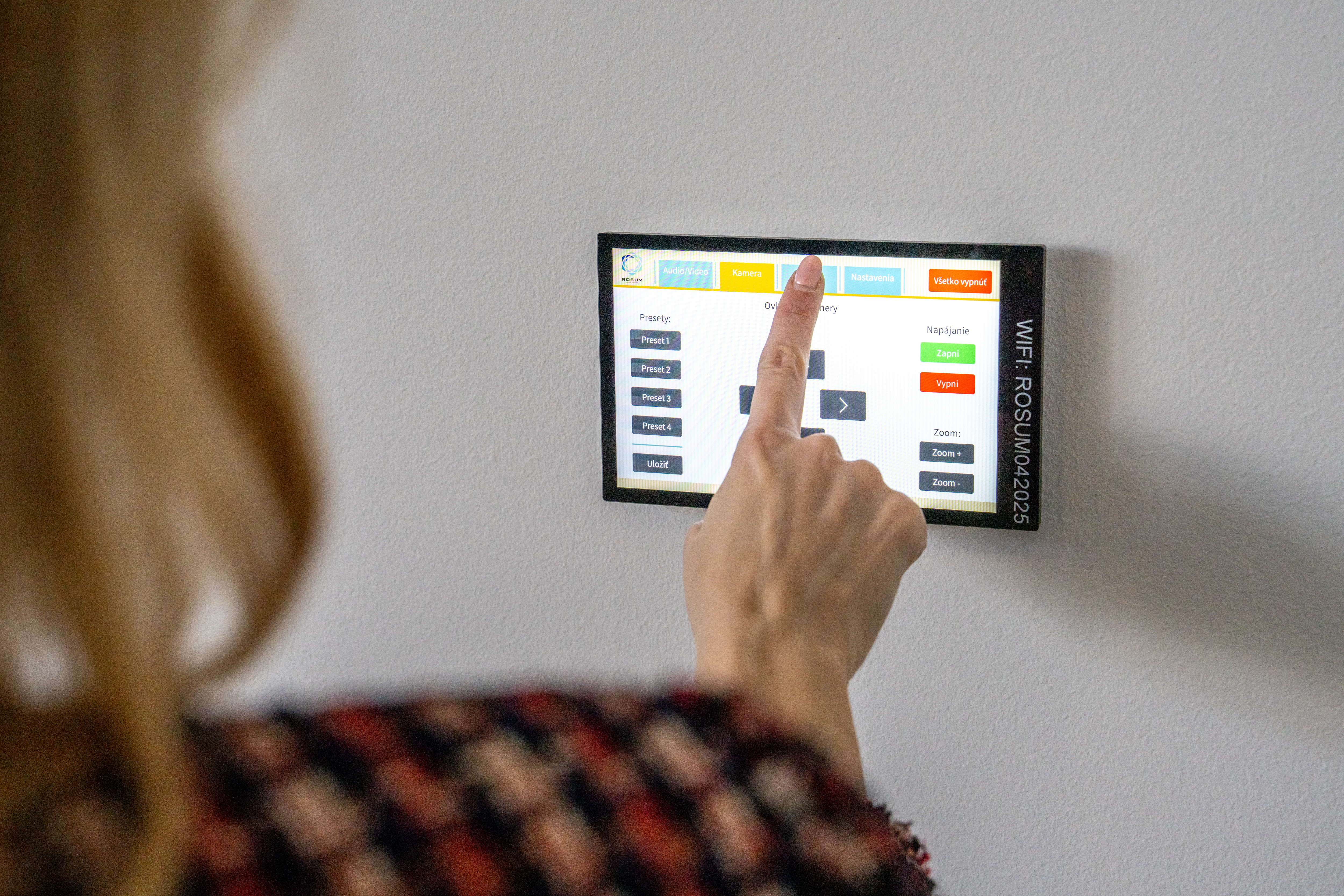
One Touch Join is a concept where a single tap on a touch panel starts the entire sequence that a person would otherwise perform step by step.
Technically, the AV control processor receives a signal from the touch panel that the call is starting and then sends a series of commands to the other devices. Not by voice, but through network protocols.
What happens in the seconds after pressing the button
- The processor sends a command to the Teams or Zoom platform and starts the scheduled call.
- At the same time, it sends a signal to the blinds system to lower the shading to the optimal level for the camera.
- It sends a command to the air conditioning system to reduce fan speed to an acoustically quiet mode.
- The cameras activate and move to the predefined position for the selected meeting type.
- The display switches to the input from the conferencing device.
After the call ends, the system reverses the entire process. The blinds return to their original position, the air conditioning restores standard output and the devices switch to standby mode.
The control system as the central brain of the room
Behind every working installation of this type is an AV-over-IP processor connected to the meeting room LAN. The devices in the room must have IP addresses, or there must be a converter that translates their signal into an IP protocol.
The integrator programs the processor with the logic: “if the call starts, set these parameters”. This logic can be modified and expanded without physically touching the devices, purely through software.
Which technology belongs in which room is explained in the AV technology configuration guide.
How much time manual control of a video conferencing room costs
Instead of guessing, make a simple calculation. If meeting preparation takes an average of eight minutes and the room hosts two hundred meetings per year, the result is 1,600 minutes, or more than 26 hours of lost working time per room each year.
For a company with ten meeting rooms, this means more than 260 hours per year spent manually setting up devices.
The second impact is less measurable, but for some clients even more important. A call with an external partner or investor starts with a delay of several minutes while the devices are being adjusted. The start of the call communicates the company’s level of readiness. A smooth start is a detail partners may not notice. A problematic start is something they remember.
What the integrator must do before installation
This is where most installations fail. Not in the selection of devices, but in integrating them into one functional whole. One Touch Join is not purchased as a package; it is created through system design.
Before placing any order, the integrator should go through several steps.
- Identify which devices are already present in the building and which protocols they use.
- Check whether the building BMS allows external communication through an API.
- Understand the network and agree with the client’s IT department on the VLAN structure for AV devices.
- Only then does it make sense to design a specific solution.
If the integrator skips these steps and starts directly with a device quotation, the result may be technically functional but systemically incomplete. The devices will be on the network, but they will not understand each other.
How to verify the quality of an integrator is explained in the article on PSNI standards for medium-sized businesses.

Where the limits of this approach are
Not every building and not every project is suitable for full automation at this level.
Older buildings without IP infrastructure in individual rooms first require network preparation, which can significantly increase the total project cost. If the building BMS does not offer an open API, the blinds and air conditioning cannot be integrated without replacing the control elements.
It is also true that full automation makes sense mainly for meeting rooms with a high frequency of use. For a room with five meetings per month, the ROI of this solution is much lower than for a main boardroom with three meetings per day.
Which room type suits which team is explained in the overview of meeting room types.
That is why project preparation should always start with an audit, not with a device catalogue.
Frequently Asked Questions
What is One Touch Join and how does it work in a meeting room?
One Touch Join is a principle in which a single touch on a control panel launches an entire sequence of actions instead of requiring users to configure each device manually. The AV-over-IP processor simultaneously sends commands to the video conferencing platform, blinds, air-conditioning system and cameras.
Which devices are required for One Touch Join in a meeting room?
The system is built around an AV-over-IP control processor connected to the LAN. Devices in the room must communicate through an IP protocol, or a suitable signal converter must be available. Access to the building management system API is also essential so that blinds and air conditioning can be controlled.
For which types of meeting rooms does One Touch Join make sense?
Full automation is most effective in meeting rooms with a high frequency of use, meaning at least one meeting per day. In less frequently used rooms, the return on investment is lower, and a simplified integration solution may be more appropriate.